Website builder for Australian independent schools, kindies and tutors
Enrolment enquiries sit in a shared inbox, term dates live in a PDF nobody can find, and the school website was last updated by a parent volunteer. 4softedu is a website builder for education businesses in Australia. Choose a theme, edit it and publish your own site in a day.
Website themes for schools, kindergartens, tutors and translators
Pick a theme built for your school or kindergarten, your private tutoring practice or your translation office — presentation, online bookings and contact. Customize it visually and publish the same day, with hosting and SSL included.
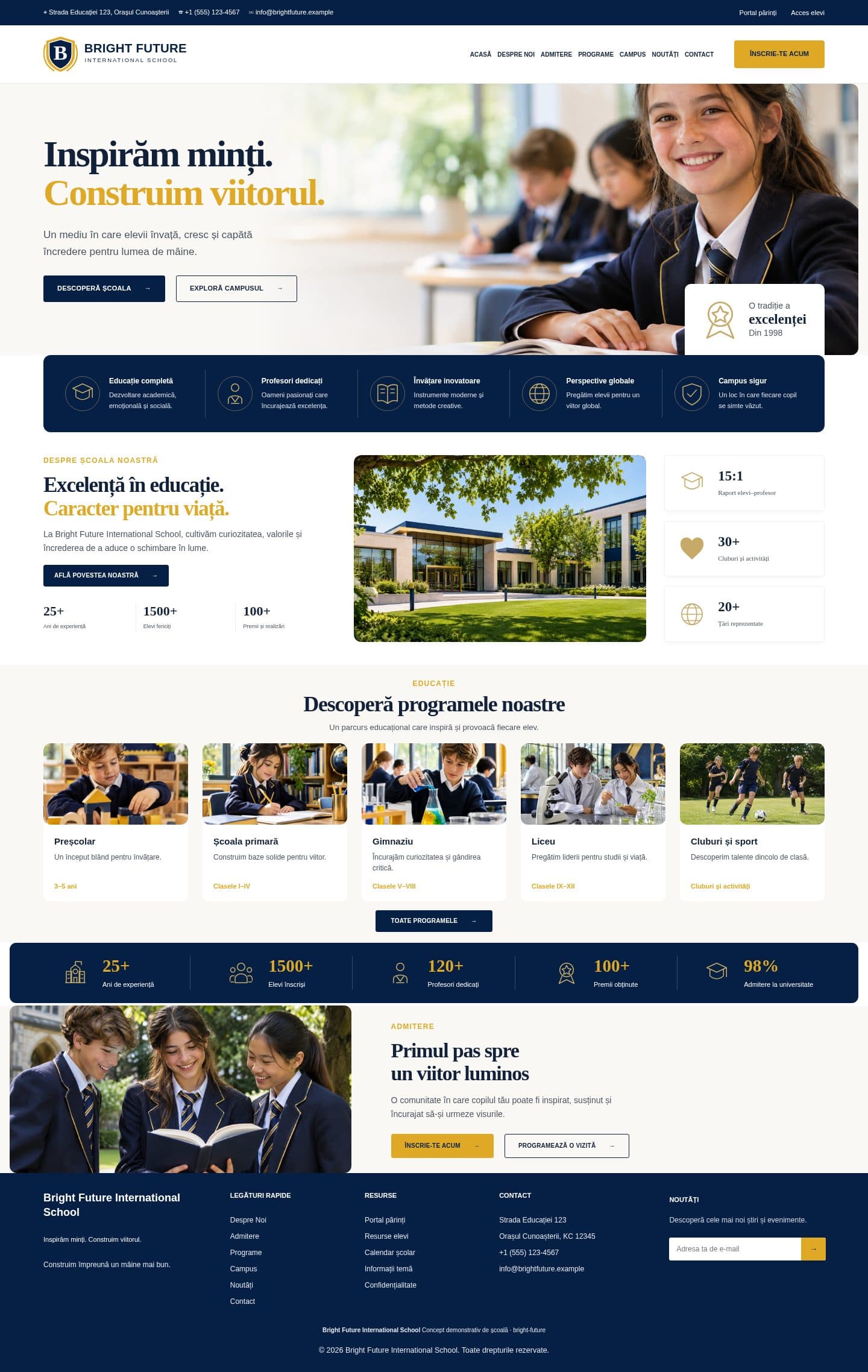
Bright Future
Navy and gold school theme with campus, five programs, admissions, family resources and visit requests. Romanian and English.
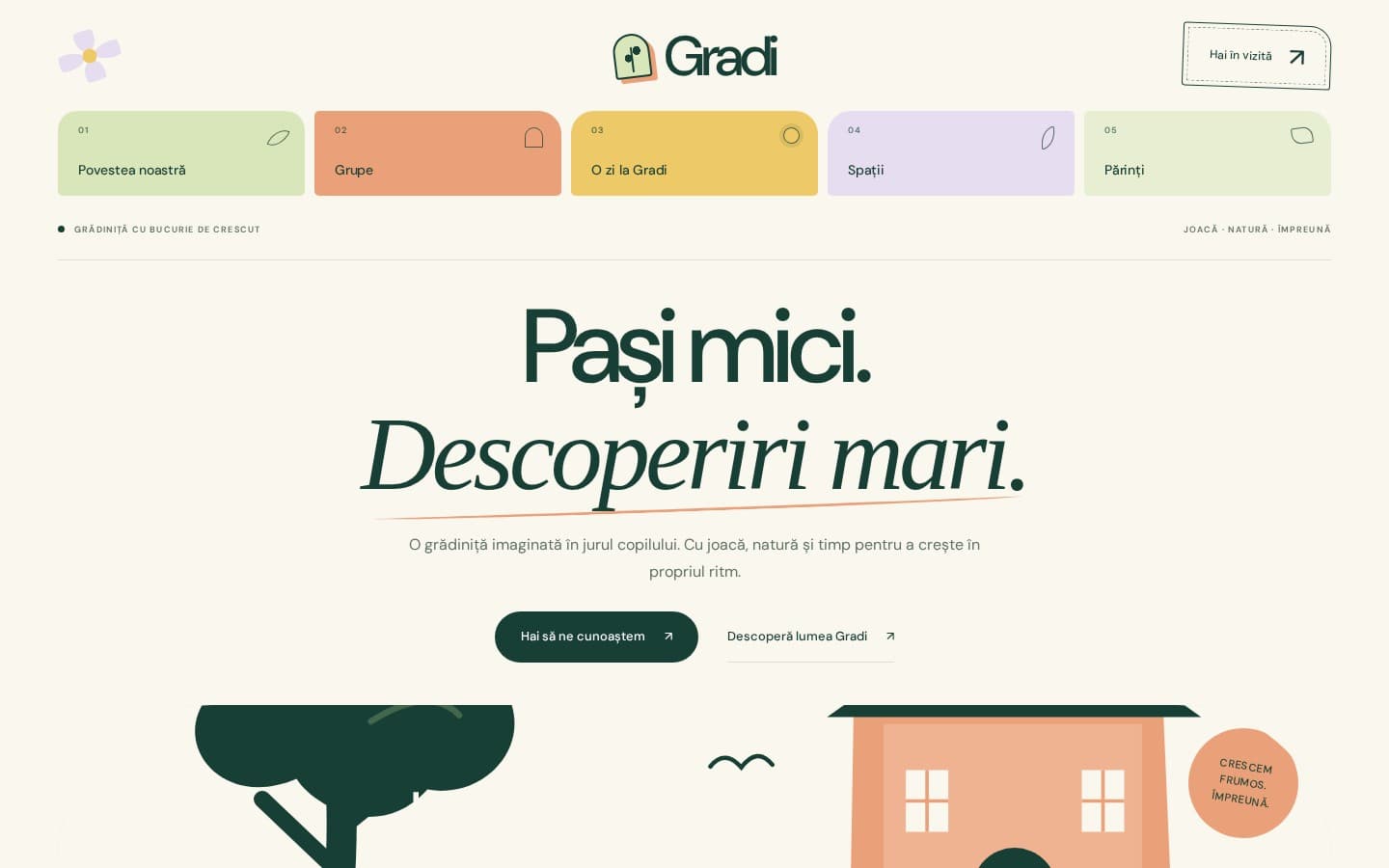
Premium kindergarten theme with cream, forest green and original illustrations. Age groups, daily rhythm, spaces, team, parent guides and visit requests. RO / EN.
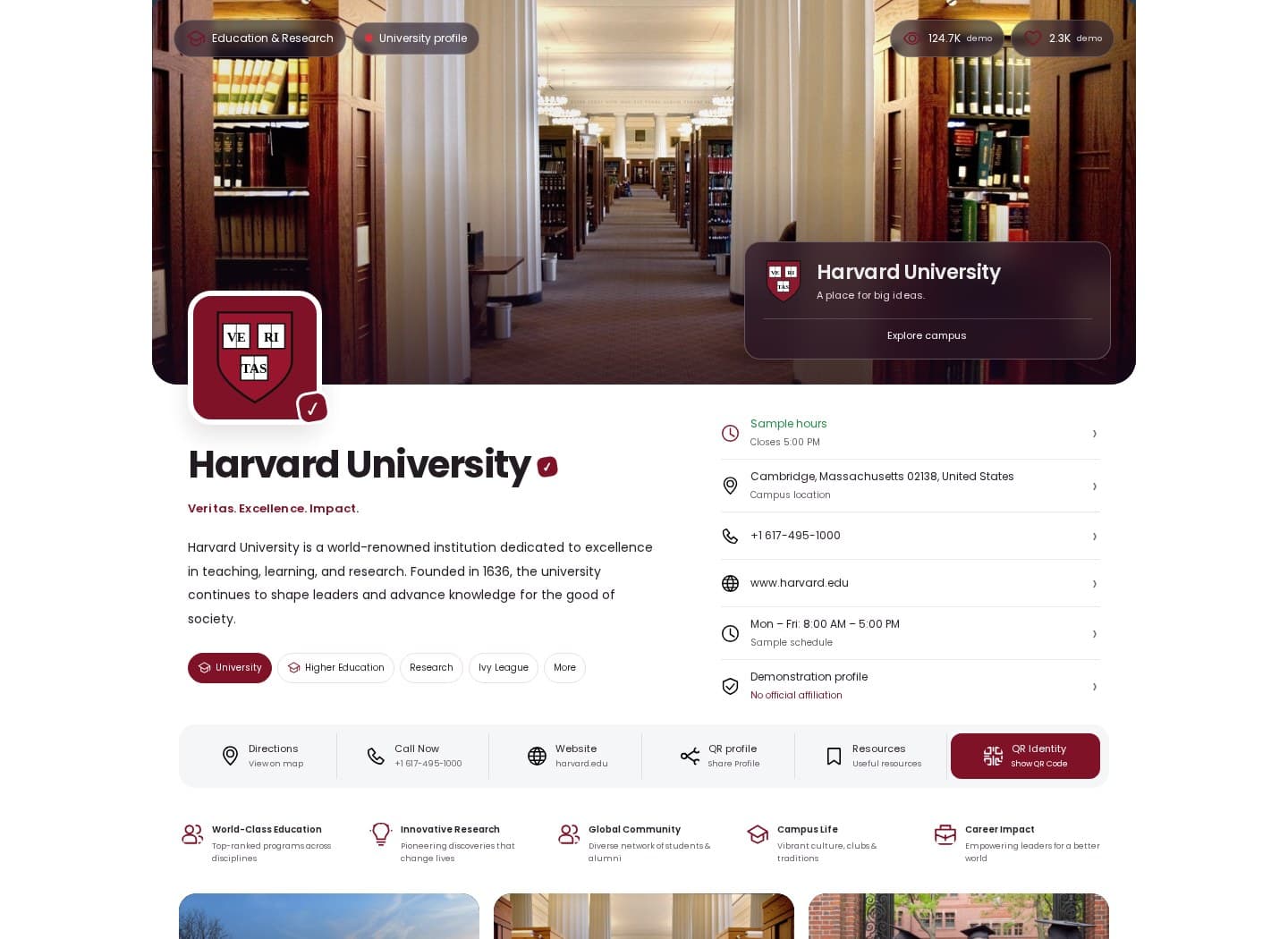
A presentation site for a private tutor: testimonial hero, lesson types, student reviews, key stats, blog and contact. Online booking for lessons, no store.
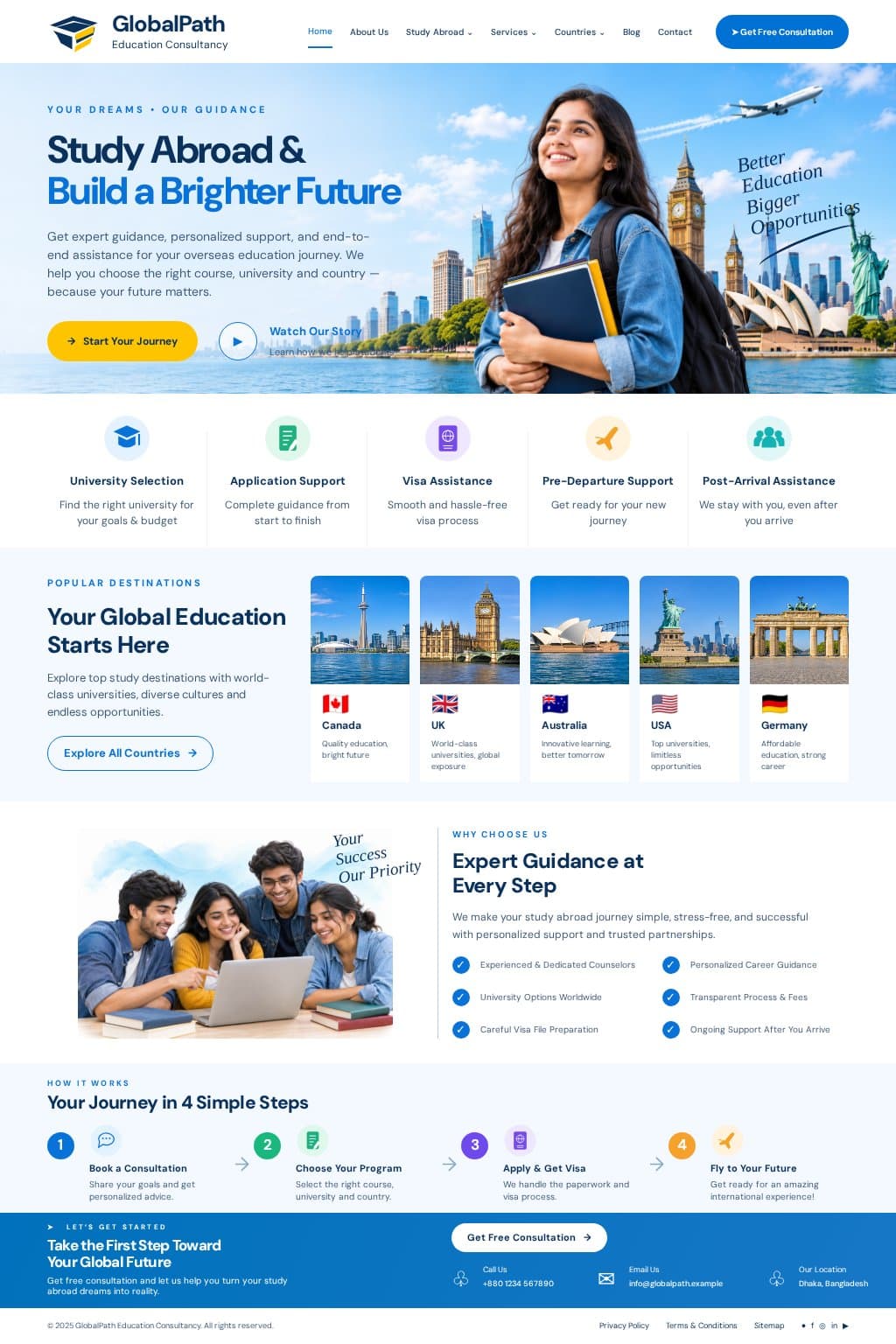
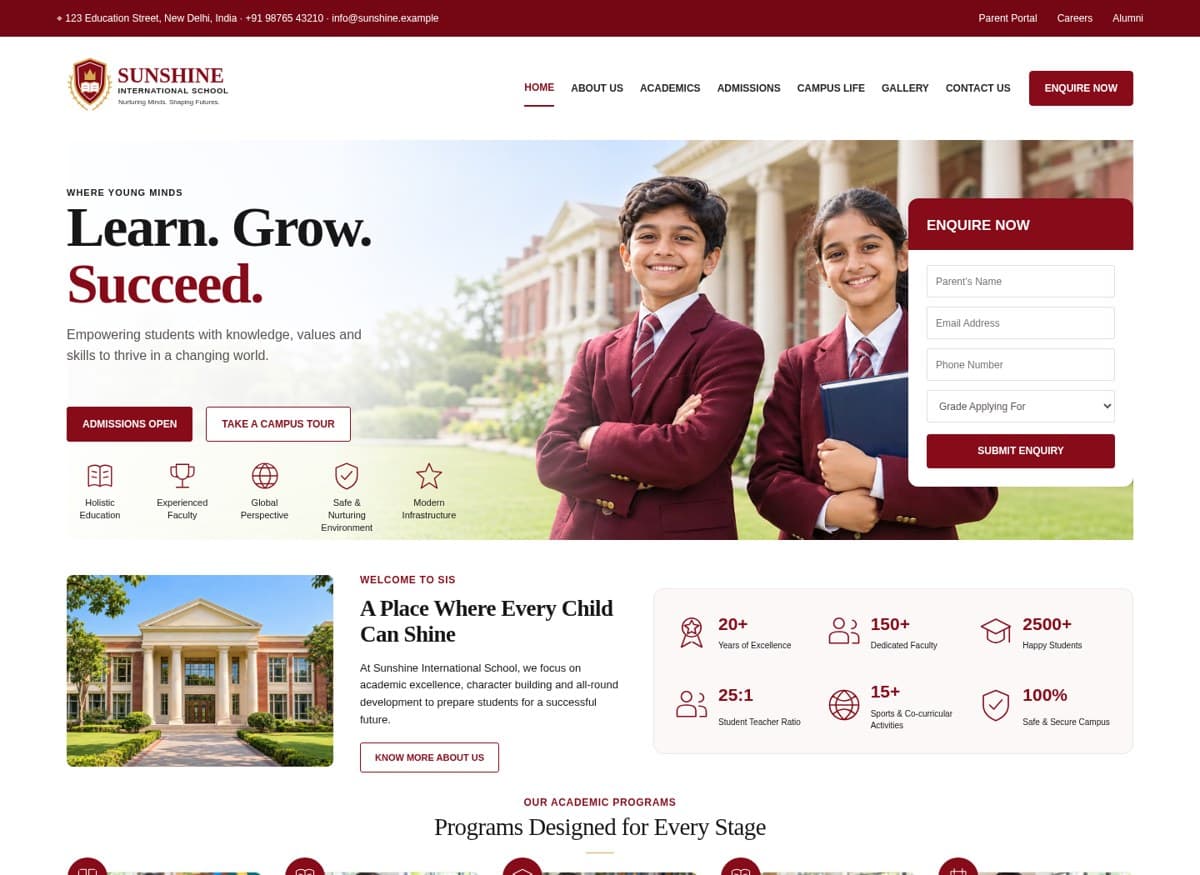
A presentation site for private schools and kindergartens: hero with your institution, welcome section, benefits, teaching staff, testimonials and partners. Online booking for visits/enrolment, no store.
Building an Education Website in Australia: The Complete Guide
Education in Australia is organised differently from state to state, and families search accordingly. This guide set walks through what a school, an early learning centre, a tutor or a translation bureau should publish, and how 4SoftEdu helps you put it online.
What 4SoftEdu is, and what it is not
4SoftEdu is a website builder for education businesses. You pick a theme from a gallery, adjust text, images, colours and menus in an editor, and publish a public website. It is built for the pages a family or client reads before making contact: who you are, what you teach or translate, how to enrol or enquire, and where to find you.
The website editor publishes the public information about your organisation. Operational school records belong to the separate EDU module, which has its own plan requirements, panel availability and access permissions. If you already use another administration system, the public pages can explain how families should contact your office without exposing private records.
A 14-day free trial, with a card
Your own domain name, connected by you (the domain itself is not included)
Servers in the European Union, with the data centre in Finland
A booking button that opens your public 4appointments page
How Australian families look for education providers
Most searches begin on a phone and include a suburb or a nearby landmark. Parents type phrases such as independent school near me, kindy in a particular suburb, or maths tutor for Year 9. Because school catchments, state systems and fee structures differ between New South Wales, Victoria, Queensland and the other states and territories, a site that names its state, its suburb and its sector answers the question faster than a generic brochure.
Families also compare providers on public tools. The national My School website, run by ACARA, publishes school profiles, and the Starting Blocks website helps parents find early learning services. Your own site should be consistent with those listings, so that a parent who moves from one to the other meets the same name, the same address and the same description of your approach.
The guides in this set
The set covers four types of business: independent and Catholic schools, early learning and kindergarten services, private tutors, and translation bureaus working with NAATI certified practitioners. Each guide explains what that type of site needs locally, using Australian terminology rather than imported phrasing, and then shows which parts of 4SoftEdu to use.
Beyond the business types you will find practical guides on a content checklist, an enrolment information page, children's privacy, choosing and editing a theme, linking to an online booking page, and connecting your own domain with local search in mind. Read them in any order, but the checklist and the privacy guide are good starting points for every provider.
A sensible order of work
Start with the facts you already hold: your registration details, your sector, your year levels or age groups, your term dates and your contact points. Write them once in plain English, then choose a theme whose layout suits the amount of content you have. A small tutor may need five pages; a K to 12 school will want a dozen or more.
Publish early and refine. During the 14-day free trial you can already publish wording and improve it once real families respond. Check the legal and regulatory points mentioned in each guide against the official sources named there, since requirements change and differ between states, and no website builder can guarantee compliance on your behalf.