Website builder for Sri Lankan schools, preschools and tuition classes
Parents in Colombo, Kandy or Galle search on their phones before they call. If your school, preschool or tuition class has only a Facebook page and a WhatsApp number, they cannot find your fees, grades offered or admission dates. 4softedu lets you build a proper website from a theme and publish it yourself.
Website themes for schools, kindergartens, tutors and translators
Pick a theme built for your school or kindergarten, your private tutoring practice or your translation office — presentation, online bookings and contact. Customize it visually and publish the same day, with hosting and SSL included.
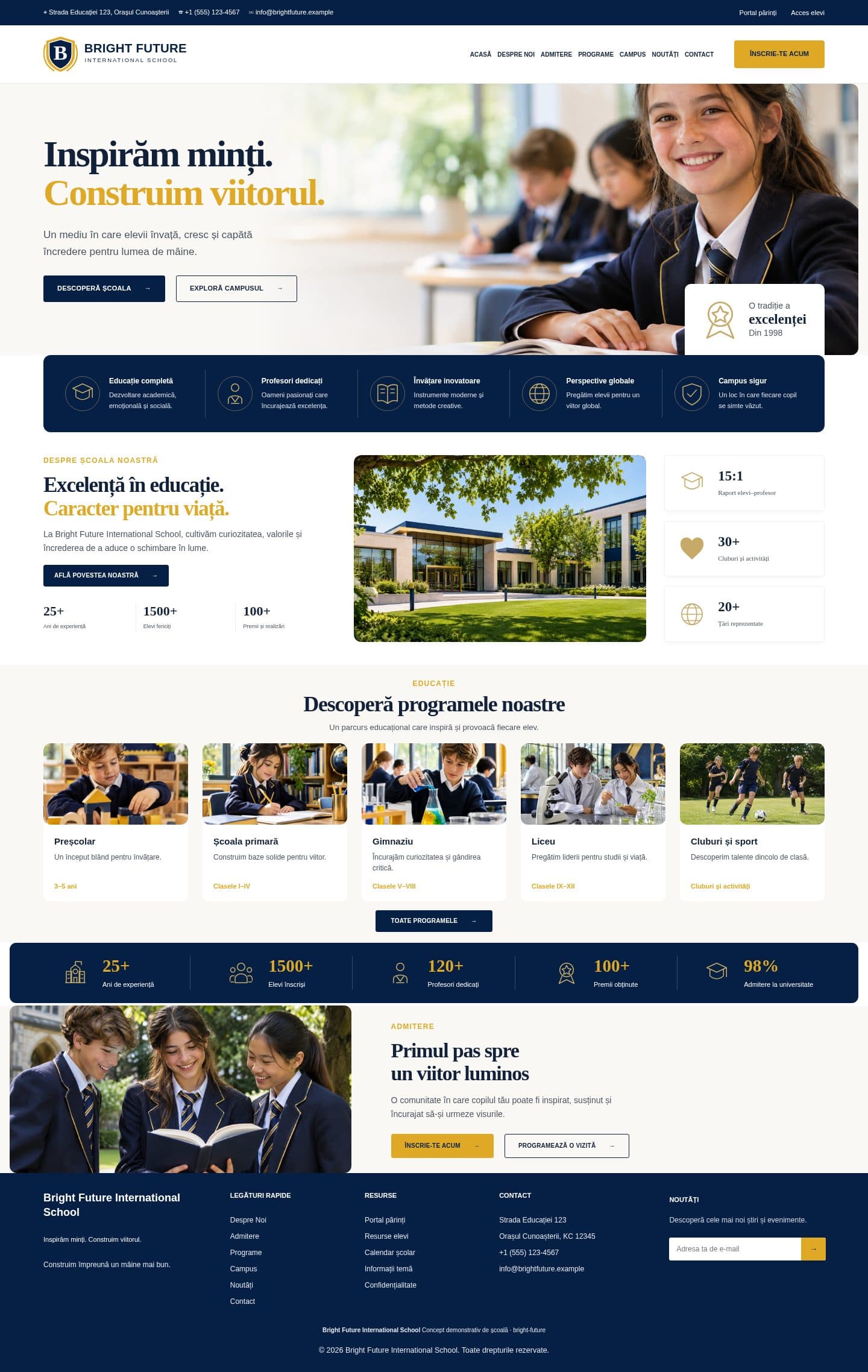
Bright Future
Navy and gold school theme with campus, five programs, admissions, family resources and visit requests. Romanian and English.
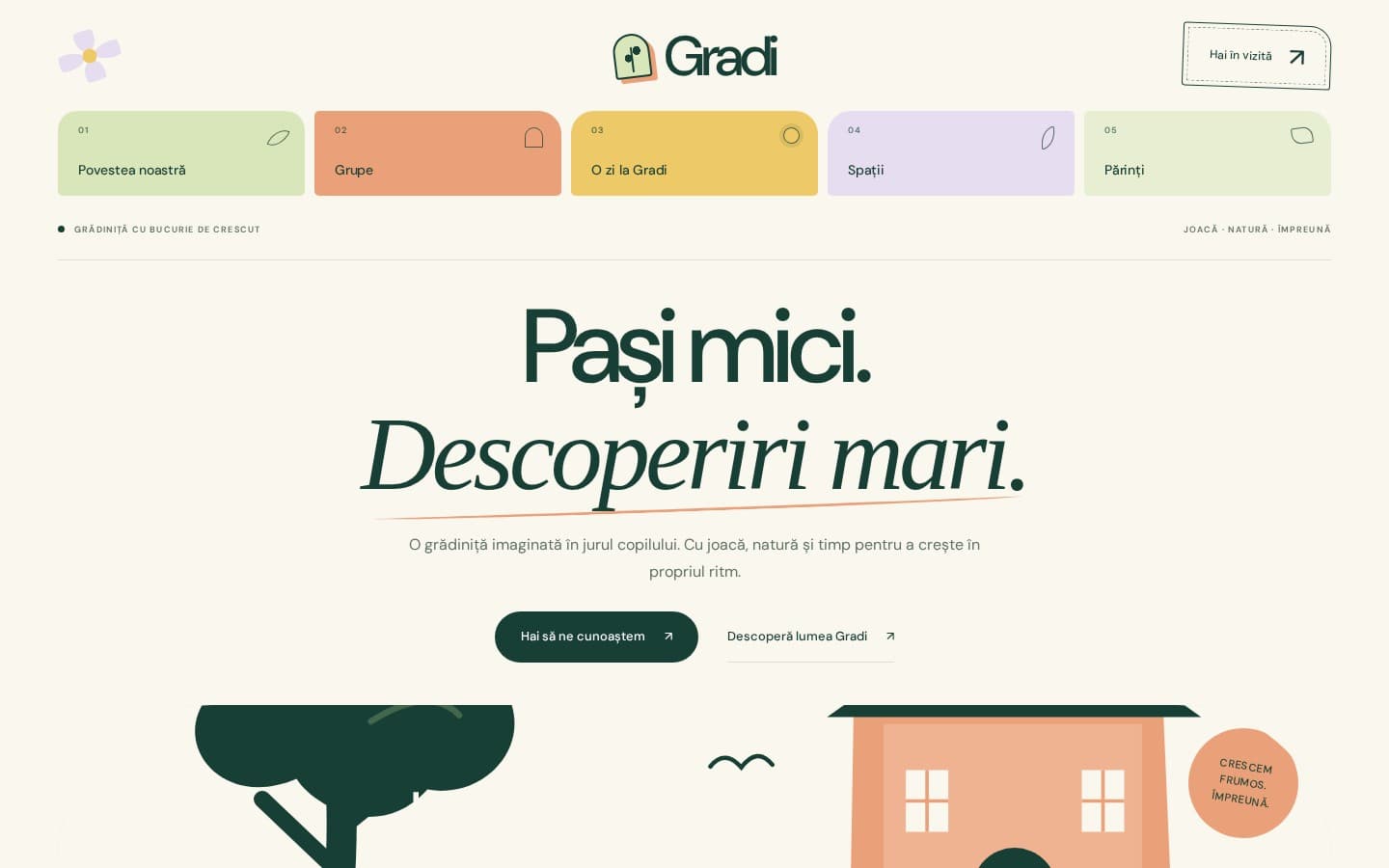
Premium kindergarten theme with cream, forest green and original illustrations. Age groups, daily rhythm, spaces, team, parent guides and visit requests. RO / EN.
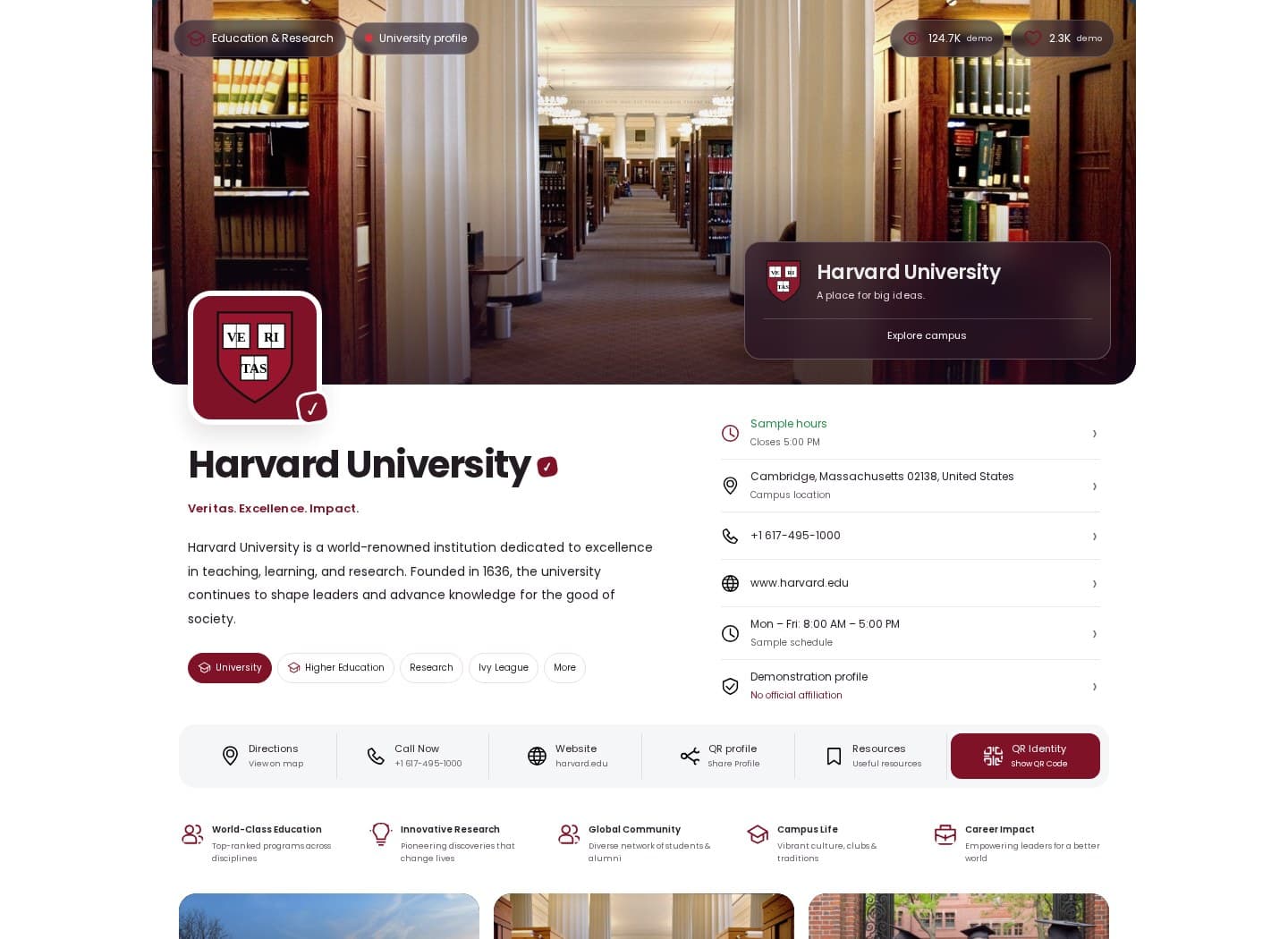
A presentation site for a private tutor: testimonial hero, lesson types, student reviews, key stats, blog and contact. Online booking for lessons, no store.
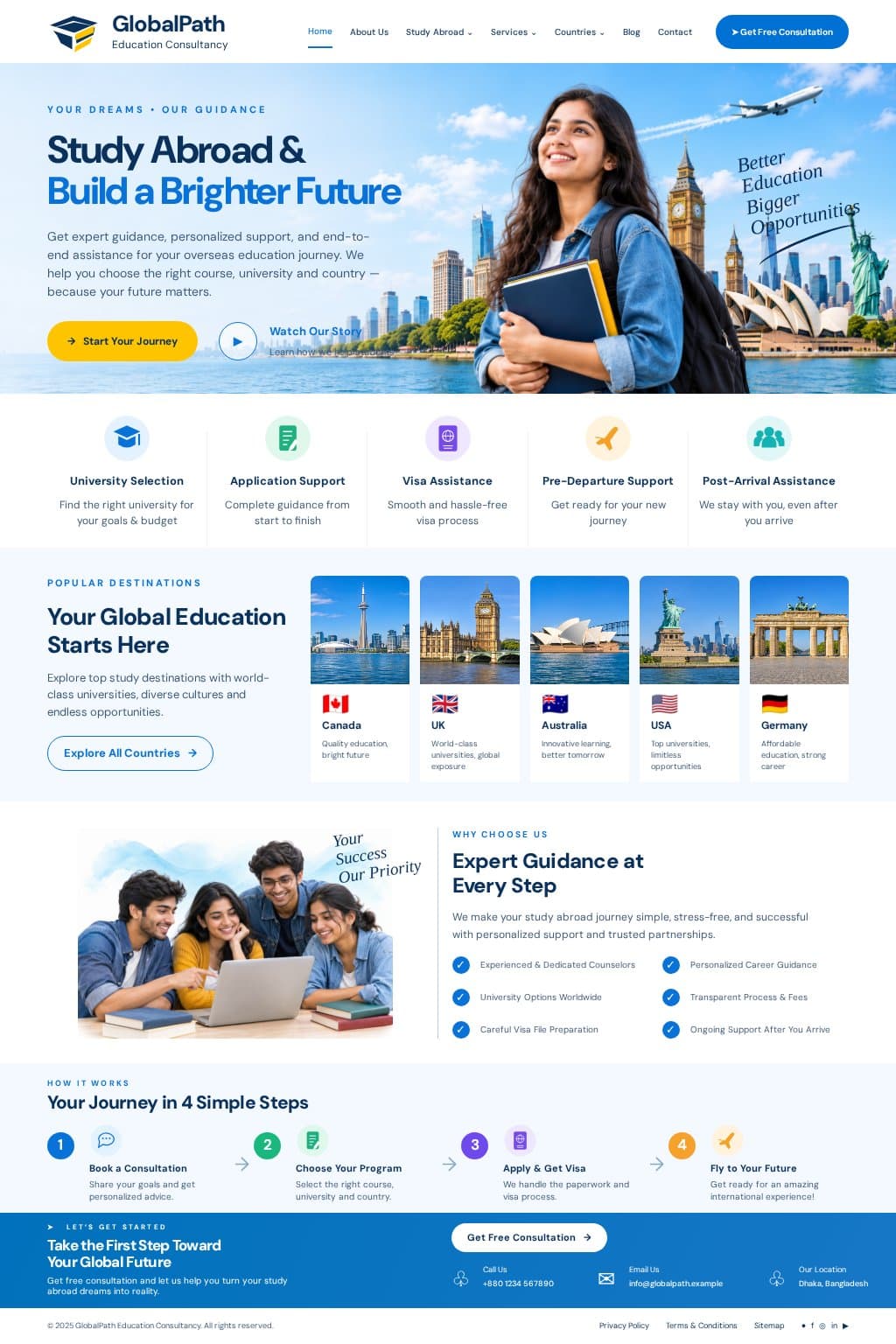
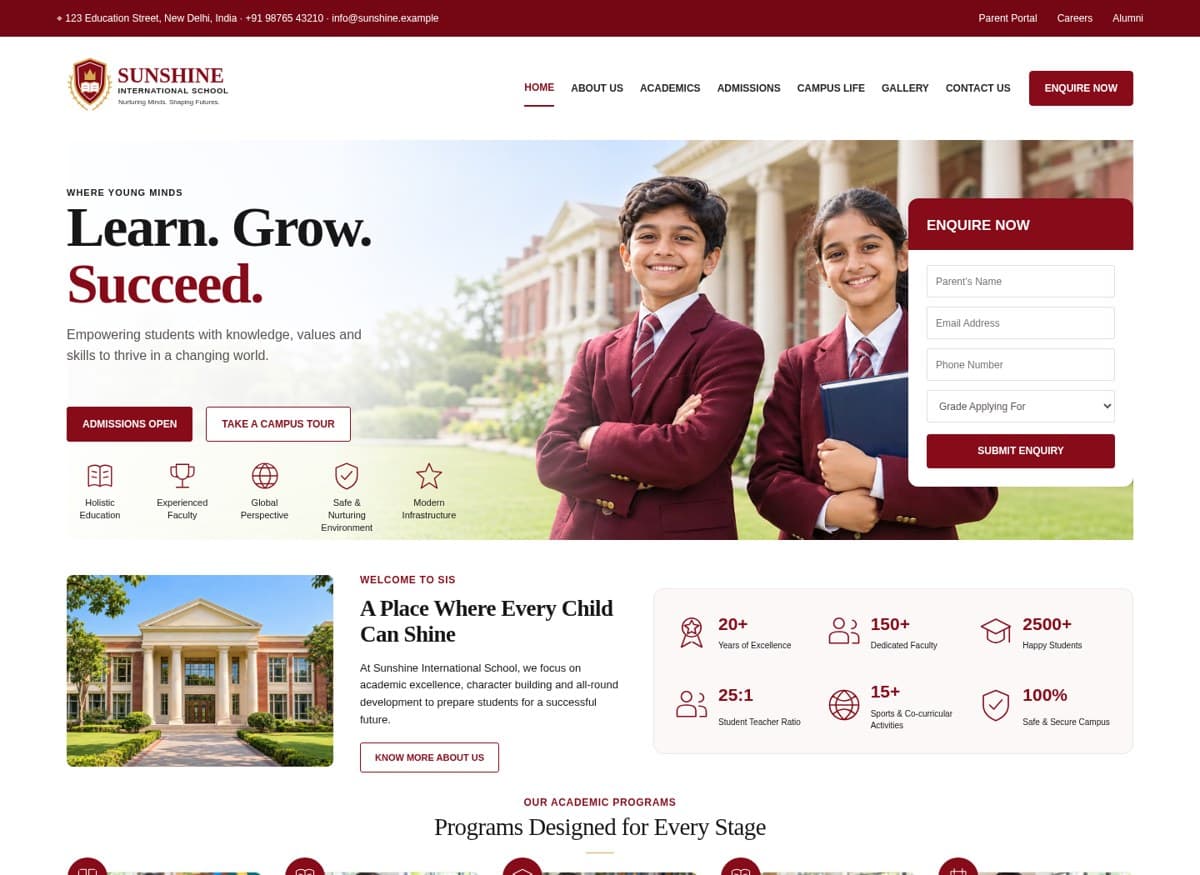
A presentation site for private schools and kindergartens: hero with your institution, welcome section, benefits, teaching staff, testimonials and partners. Online booking for visits/enrolment, no store.
Families in Sri Lanka usually meet an education provider online before they ever walk through its gate. This guide set explains what a good public website needs in the Sri Lankan setting and how a website builder such as 4SoftEdu helps you publish it.
Why education providers need a website here
Sri Lanka has a long tradition of free state education alongside fee-levying private schools, international schools, Montessori-style preschools and a very large informal market of tuition classes. Parents compare these options constantly, often on a phone, often on a mobile data connection, and often while asking relatives and neighbours for opinions. A website gives you one stable page that answers the first questions before those conversations drift.
The audience is also mixed in language. Many households are comfortable with English for school matters, while others prefer Sinhala or Tamil for daily life. A site written in clear English is the realistic starting point for most private providers, and it can later be complemented with short notes in other languages where it genuinely helps families.
Parents search on mobile first, so short pages with clear headings work best.
A published fee statement, contact number and location map remove many repeated phone calls.
A website is a place you control, unlike a social media page whose layout changes without notice.
What 4SoftEdu is and what it is not
Private schools, kindergartens, tutors and translation bureaus can use the website builder to select a theme, edit it and publish their public information. Check the separate EDU module for internal education tasks: its functions are subject to the chosen plan, panel availability and authorised roles. Do not publish operational pupil records as part of the website presentation.
There is a 14-day free trial, and you start it with a card. The domain name is not included, so you connect your own domain with a generic ending such as .com, .net or .org. Hosting runs on servers in the European Union, in a data centre in Finland.
How this guide set is organised
The guides below are written for Sri Lanka. Four of them describe what a school, preschool, tutor or translation bureau should publish. The others cover the shared building blocks: a trust checklist, an enrolment information page, children's data and cookies, theme and editor basics, a booking link for visits and consultations, and domain and search basics.
Read them in any order. If you are short of time, start with the checklist and the guide for your own type of business, then return to the privacy and domain guides before you publish. Each guide ends with a few questions we hear most often.
Guides by business type: private schools, preschools, tutors, translation bureaus.
Guides by task: checklist, enrolment page, privacy, themes, booking, domain.
A realistic first week
On day one, collect the facts you already have: registered name, address, telephone and WhatsApp number, the grades or age groups you serve, term dates and a list of what parents ask most. On day two, pick a theme and replace the sample text with those facts. By the end of the week you can have a complete, honest site online and ready to share.
Keep the first version modest. A short, accurate website that is updated each term is more useful to families than an ambitious one that quietly goes out of date.