Parents in India search before they call: give your school a real website
Admission enquiries arrive on WhatsApp forwards, printed flyers and a Facebook page nobody updates. 4softedu.net is a website builder for education businesses in India. Choose a theme, edit it in the editor and publish your own site, with a 14-day free trial that starts with a card.
Website themes for schools, kindergartens, tutors and translators
Pick a theme built for your school or kindergarten, your private tutoring practice or your translation office — presentation, online bookings and contact. Customize it visually and publish the same day, with hosting and SSL included.
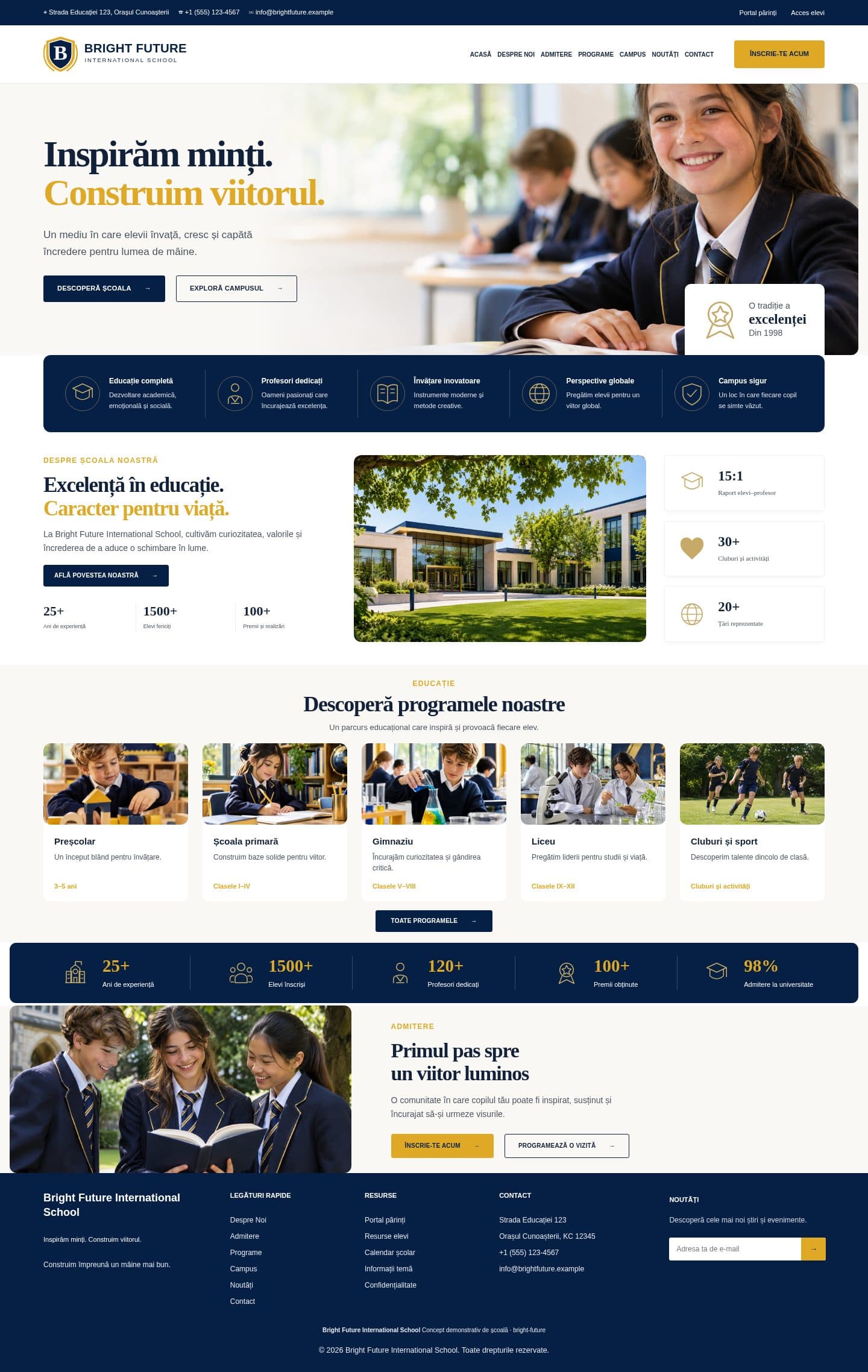
Bright Future
Navy and gold school theme with campus, five programs, admissions, family resources and visit requests. Romanian and English.
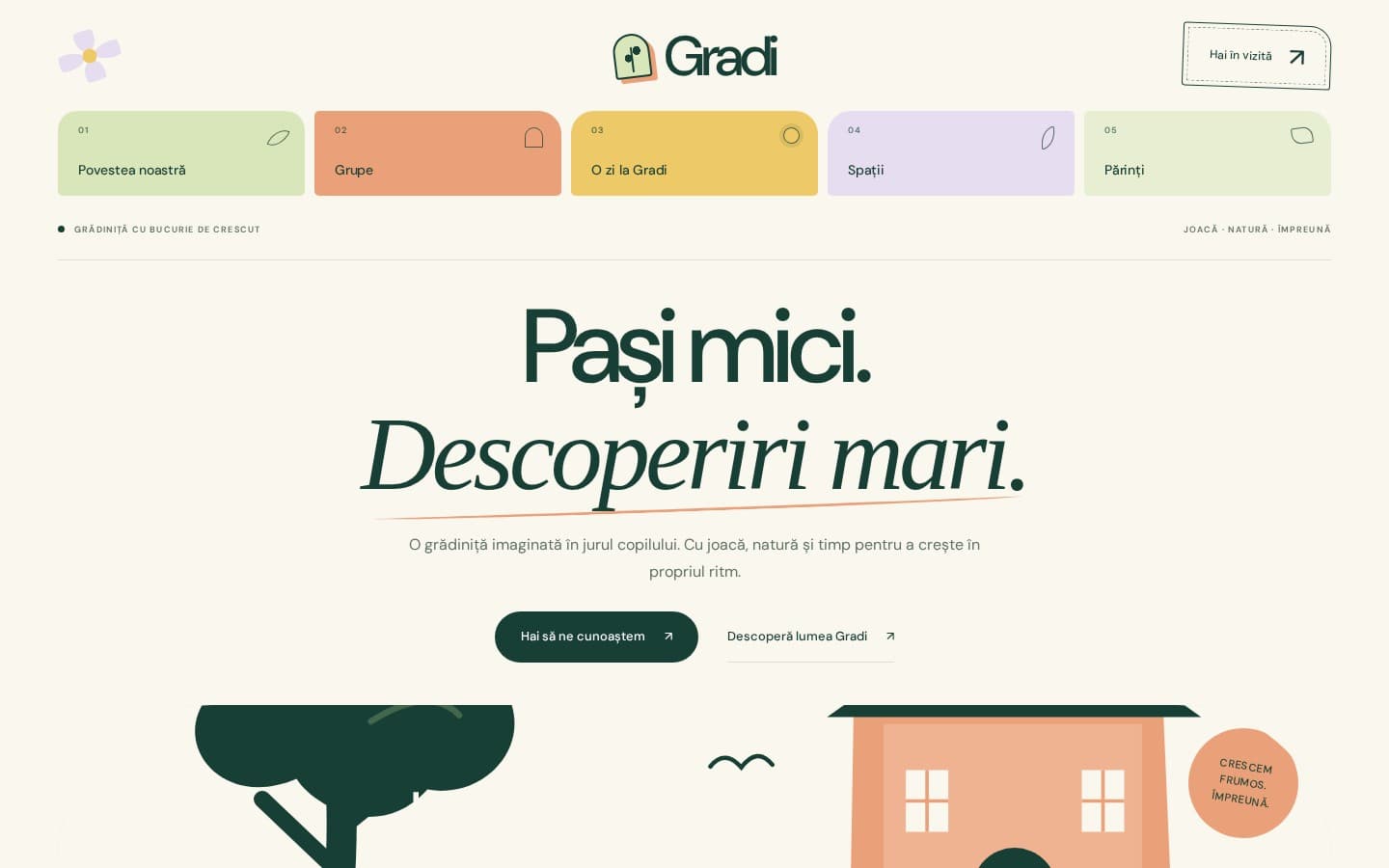
Premium kindergarten theme with cream, forest green and original illustrations. Age groups, daily rhythm, spaces, team, parent guides and visit requests. RO / EN.
A presentation site for a private tutor: testimonial hero, lesson types, student reviews, key stats, blog and contact. Online booking for lessons, no store.
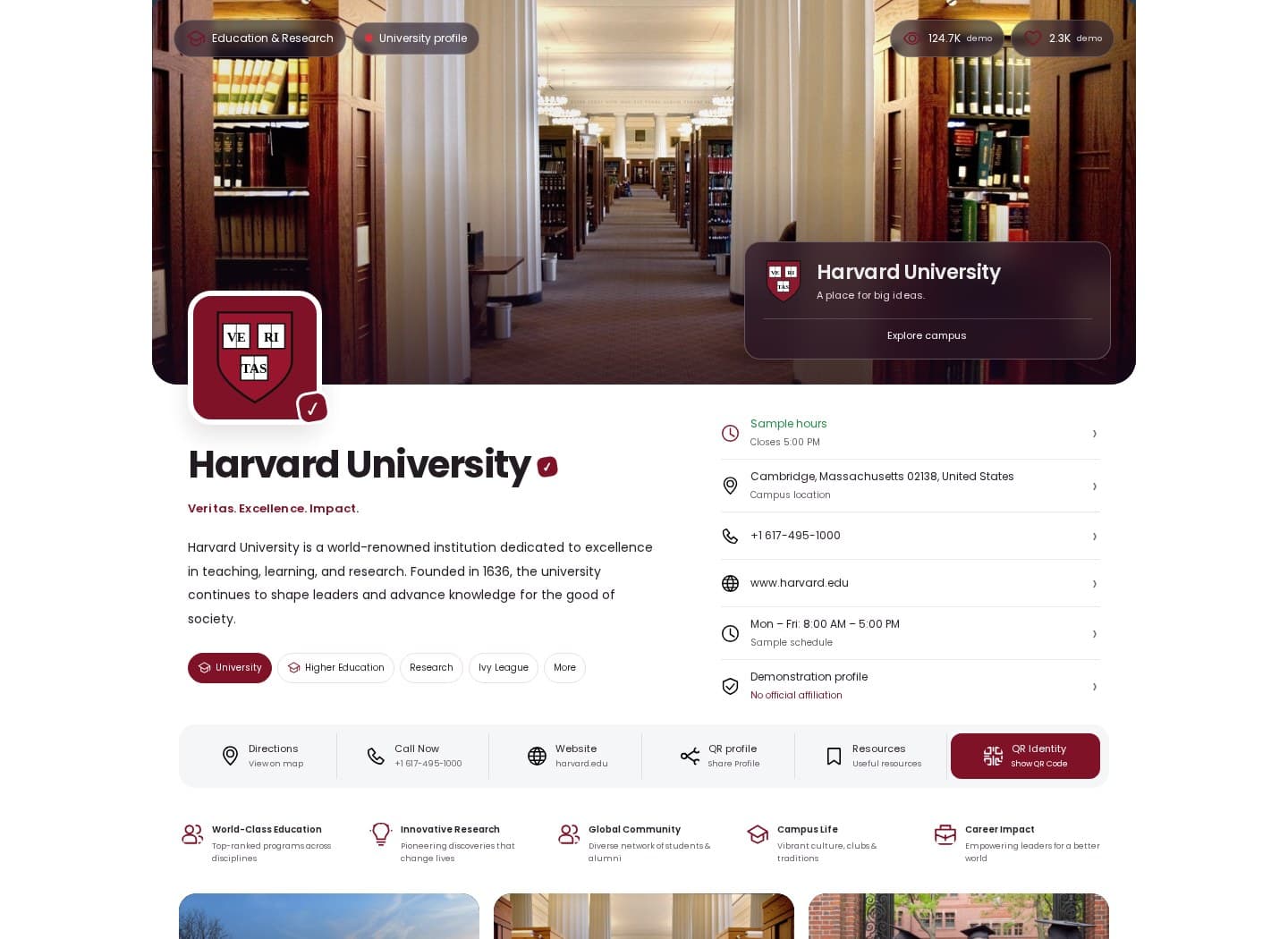
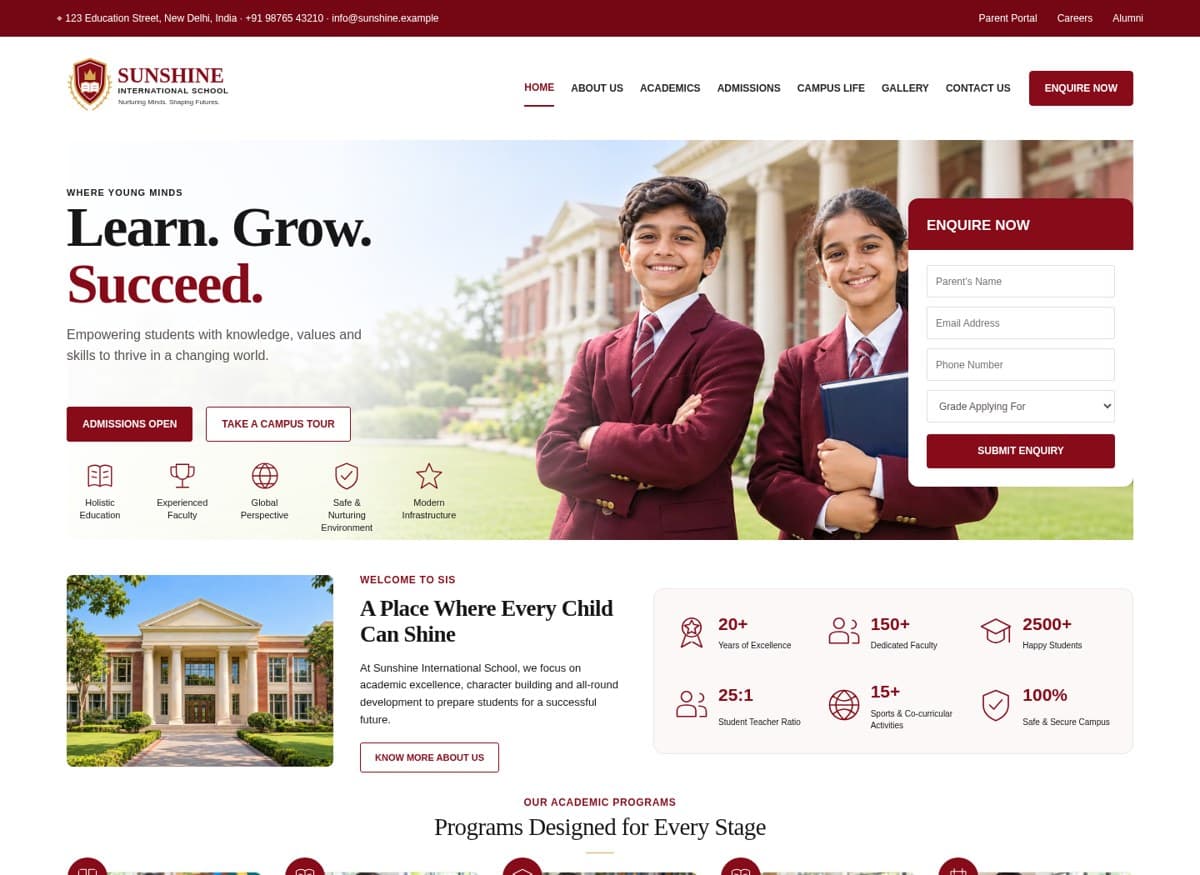
A presentation site for private schools and kindergartens: hero with your institution, welcome section, benefits, teaching staff, testimonials and partners. Online booking for visits/enrolment, no store.
Building an education website in India: the complete guide
Parents in India usually meet a school, a play school or a tutor online before they ever walk through the gate. This guide set explains what a good education website needs in the Indian context and how to publish one without a developer.
Why the website is now the first prospectus
In most Indian cities a family begins the search for a school or a tutor on a phone. They type the locality, the board and the class into a search engine, open a handful of results, and compare them in minutes. A site that loads quickly on a mobile connection and answers the obvious questions earns a second look; a site with only a phone number and a blurry photograph rarely does.
The decision is also a shared one. Grandparents, the working parent and the parent at home may all read the same pages, often in the evening and often forwarded through a messaging group. That means a page should make sense when opened cold, without a conversation to explain it: who runs the institution, which board it follows, what the classes cost to ask about, and how to reach a real person.
A website is also a long-lived record. Circulars, the admission window, fee notices and holiday lists change every year, and a single maintained page prevents the confusion that comes from old forwarded images. Treat the site as the one place where the current version of every important fact lives.
What each type of institution needs
A private school has to explain its affiliation, its classes, its medium of instruction and its admission process in plain language. A play school or kindergarten needs reassurance first: daily routine, staff, safety and the age bands it accepts. A tutor or coaching teacher needs a clear statement of subjects, classes, batches and results policy. A translation bureau needs to show which languages it handles, what kinds of documents it accepts and how a quote is requested.
These needs differ, so the guides in this set are written separately for each business type. They also share a common spine: a clear home page, a short page for each service, contact details that match across the site, and a privacy page that treats children's information with care.
Build the public face of an education business by choosing and editing a website theme. That publishing tool has a different purpose from the EDU module used for internal school tasks, whose availability depends on subscription and panel permissions. Keep public service descriptions and private operational records in their respective spaces.
You get a 14-day free trial, which starts with a card. The domain name is not included, so you connect your own .com, .net or .org address. The servers are in the European Union, with the data centre in Finland. The remaining guides walk through each step, from the checklist of content to publishing under your own domain.