Website Builder for Jamaican Prep Schools, Basic Schools and Lesson Teachers
Parents in Kingston, Mandeville and Montego Bay search online before they call a school. 4softedu lets a prep school, basic school, private kindergarten or lesson teacher publish a clear website from a theme gallery, with no developer. Try it free for 14 days, with a card.
Website themes for schools, kindergartens, tutors and translators
Pick a theme built for your school or kindergarten, your private tutoring practice or your translation office — presentation, online bookings and contact. Customize it visually and publish the same day, with hosting and SSL included.
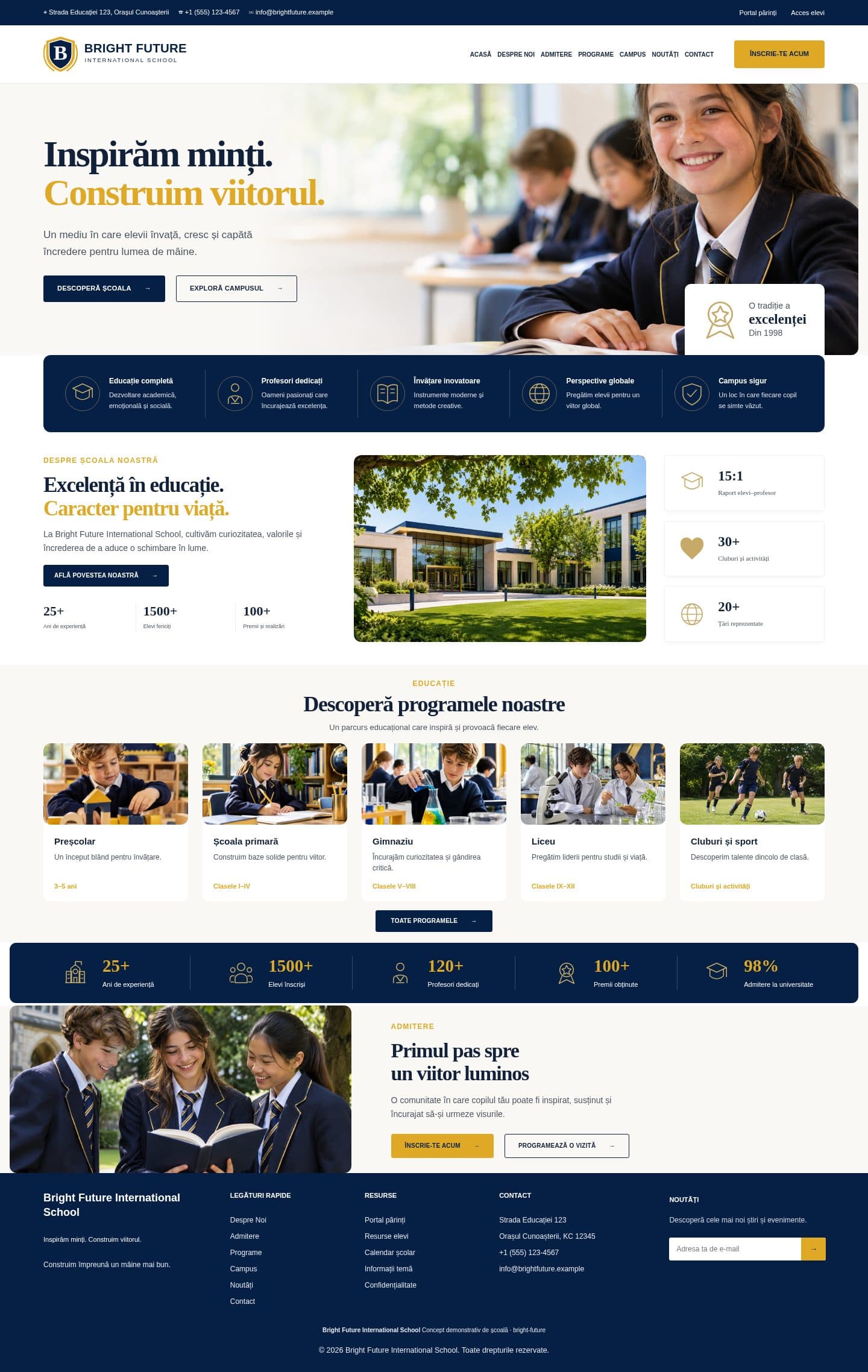
Bright Future
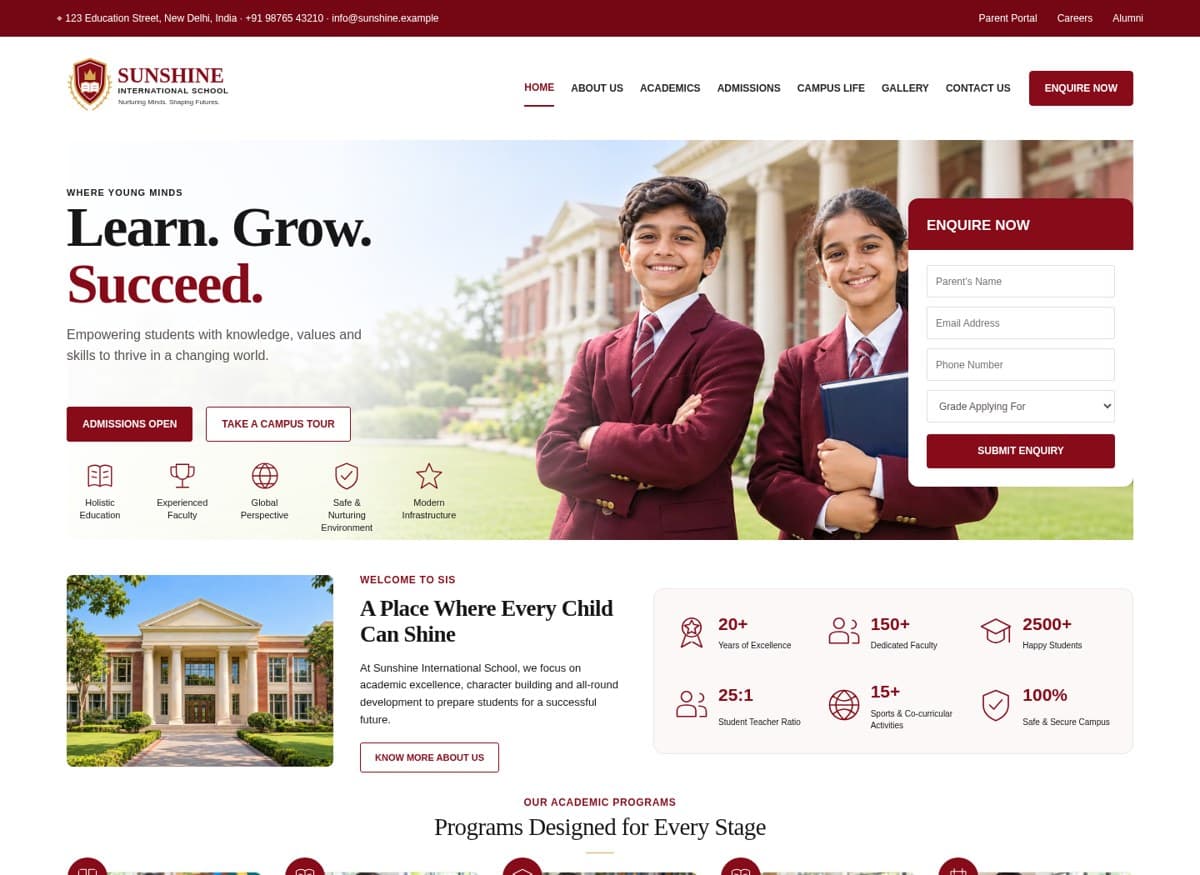
Navy and gold school theme with campus, five programs, admissions, family resources and visit requests. Romanian and English.
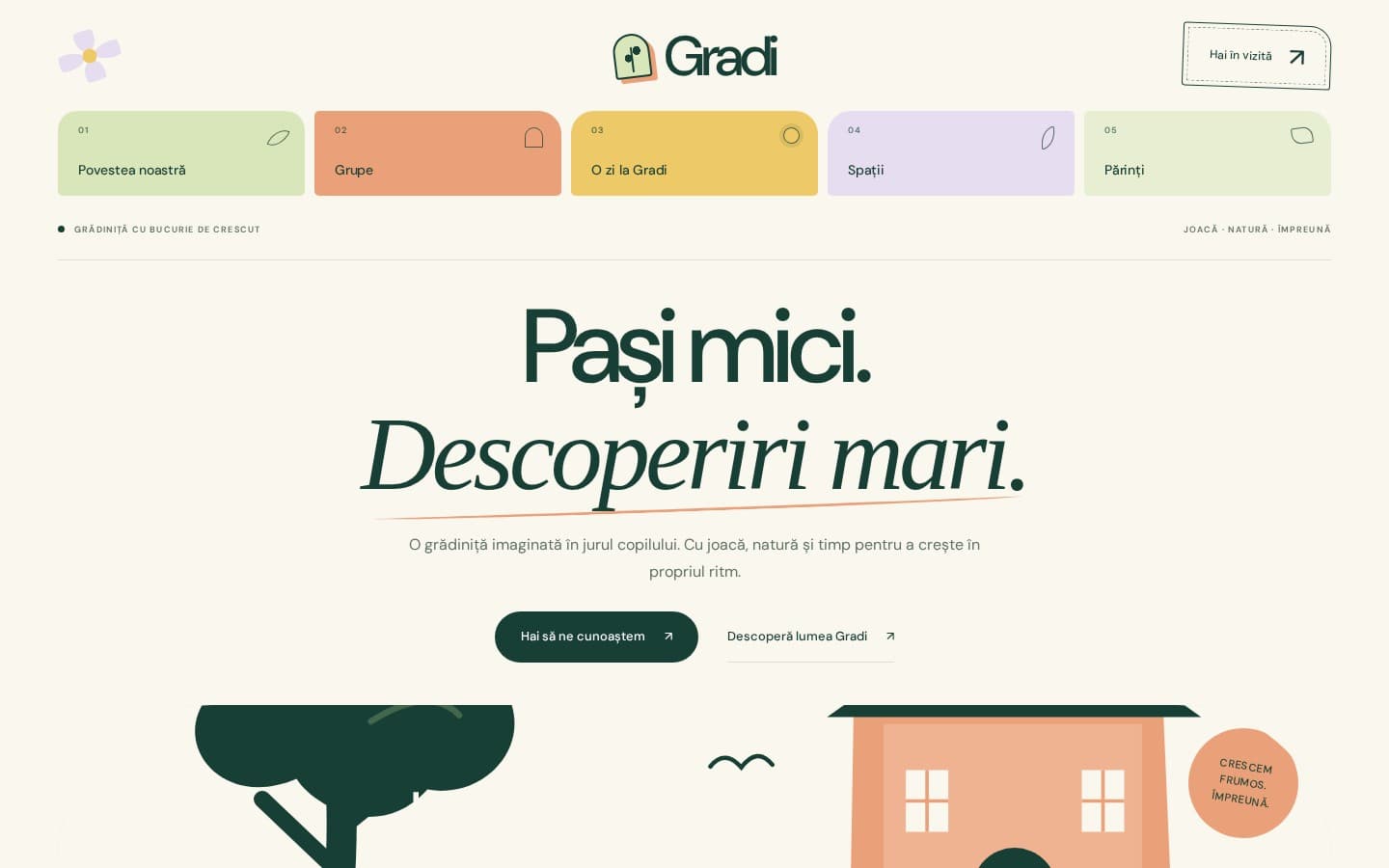
Premium kindergarten theme with cream, forest green and original illustrations. Age groups, daily rhythm, spaces, team, parent guides and visit requests. RO / EN.
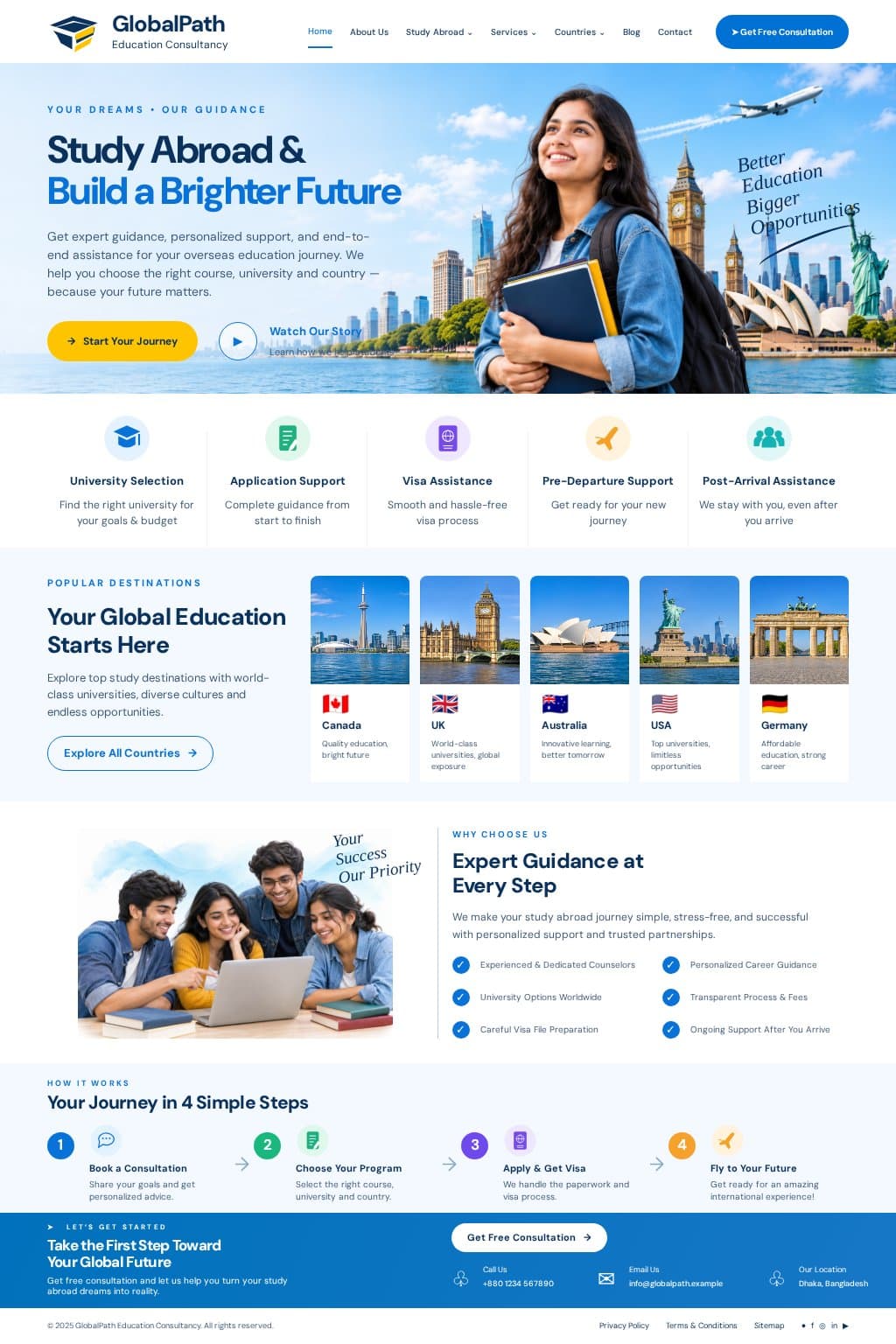
A presentation site for a private tutor: testimonial hero, lesson types, student reviews, key stats, blog and contact. Online booking for lessons, no store.
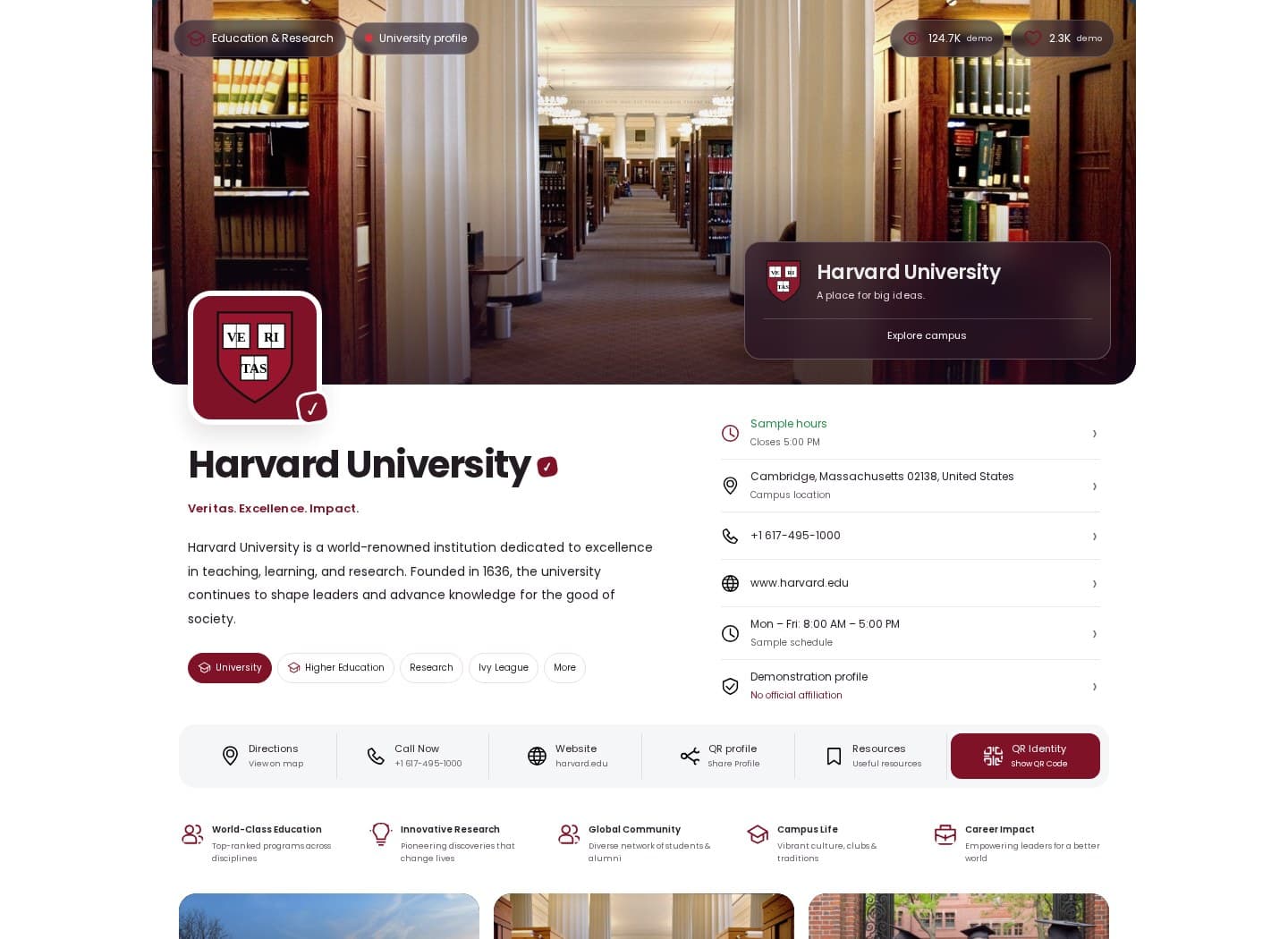
A presentation site for private schools and kindergartens: hero with your institution, welcome section, benefits, teaching staff, testimonials and partners. Online booking for visits/enrolment, no store.
Parents in Kingston, Montego Bay, Mandeville or Spanish Town usually look up a school, a basic school or a lesson teacher on a phone before they ever pick up the telephone. This guide set explains what a Jamaican education website should say, and how 4SoftEdu lets you publish one yourself.
Who this guide set is for
For the public website, pick a theme and customise its pages in the builder. Internal education records are handled through the separate EDU module when available under your plan and panel access rights. These guides stay with the presentation that helps prospective families, students and translation clients understand the institution or practice before contacting it.
In Jamaica that audience is varied. A preparatory school wants to explain its approach to the Primary Exit Profile years. A private early childhood centre wants to show parents its daily routine and its registration status. A teacher who gives extra lessons in the evenings needs a simple page that lists subjects and areas served. A translation bureau needs to explain which documents it handles and in which languages.
Private primary, preparatory and high schools
Private kindergartens, nurseries and early childhood centres
Independent tutors and lesson teachers
Translation bureaus and individual translators
What a Jamaican education website needs to say
Families here compare institutions through word of mouth, church and community networks, and increasingly through search results and social media. A website works as the stable reference point behind all of that. When a neighbour recommends a school, the first thing a parent does is look for its site, so the basics must be easy to find: who you are, where you are, which age groups you teach, how the school year is organised and how to get in touch.
Trust matters even more than design. Name the ministry or authority your institution answers to, describe your curriculum in plain words, show real photographs with permission, and avoid claims you cannot support. Where you mention exam results or inspection outcomes, state the year and the source. The checklist guide in this set lists the trust elements one by one.
How the guides are organised
Each guide covers one practical question. There are pages for each type of education business, a content checklist, an enrolment information page, a guide to children's data and cookies, a walkthrough of the theme editor, a guide to booking visits through a public 4appointments page and a guide to connecting your own domain. You can read them in any order, but the checklist is a good second step after this page.
Everything described here reflects what the product does today. The trial lasts 14 days and starts with a card. The domain name is not included, so you connect your own domain with a generic ending such as .com, .net or .org. Servers are in the European Union, with the data centre in Finland. If a feature is not listed, assume it is not part of the product.
A sensible first week
Start by writing down your facts on paper: address, contact numbers, grade or age range, term dates, fees policy and the names of the people parents will deal with. Then choose a theme whose layout suits the amount of text you have. Add your content section by section, check it on a phone, and only then publish.
Ask a colleague who is not part of your institution to read the site and answer three questions: what is this place, who is it for and what should I do next. If any answer is unclear, the page needs another edit. This small test saves more time than any amount of design tweaking.