Website builder for private schools, tadika and tuition centres in Malaysia
Many Malaysian tadika, private schools and tuition centres still run on Facebook posts, WhatsApp groups and printed flyers. 4softedu replaces that with your own website: choose a theme, edit it in the editor and publish. Start your 14-day free trial, with a card.
Website themes for schools, kindergartens, tutors and translators
Pick a theme built for your school or kindergarten, your private tutoring practice or your translation office — presentation, online bookings and contact. Customize it visually and publish the same day, with hosting and SSL included.
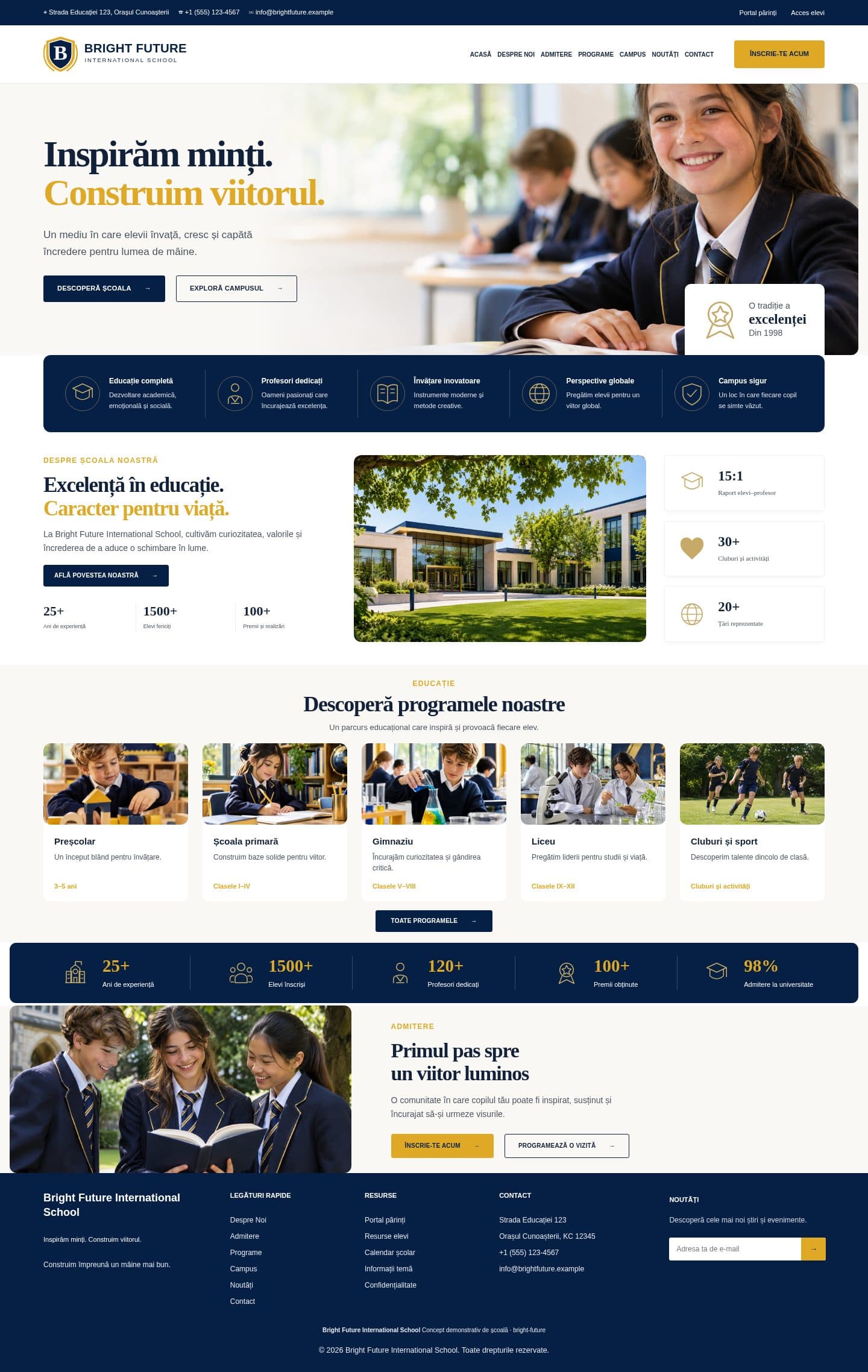
Bright Future
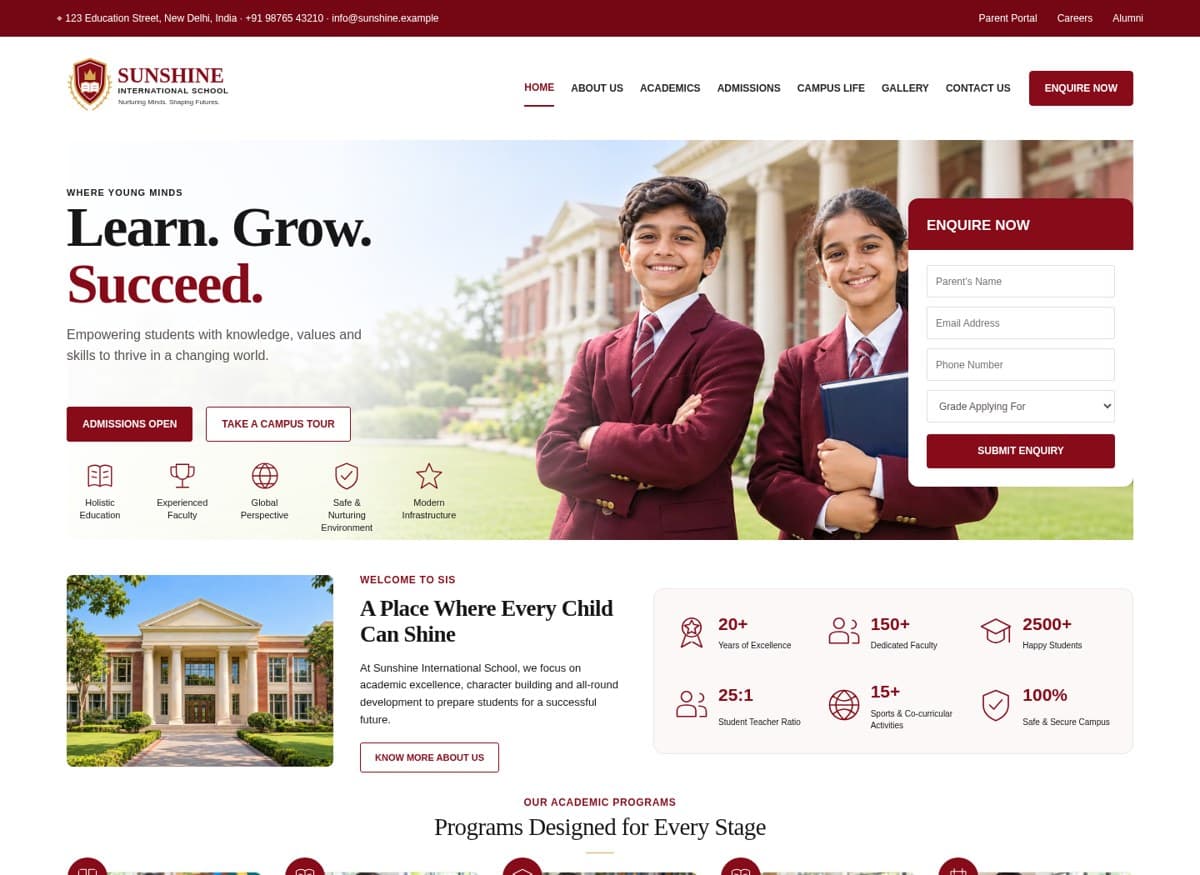
Navy and gold school theme with campus, five programs, admissions, family resources and visit requests. Romanian and English.
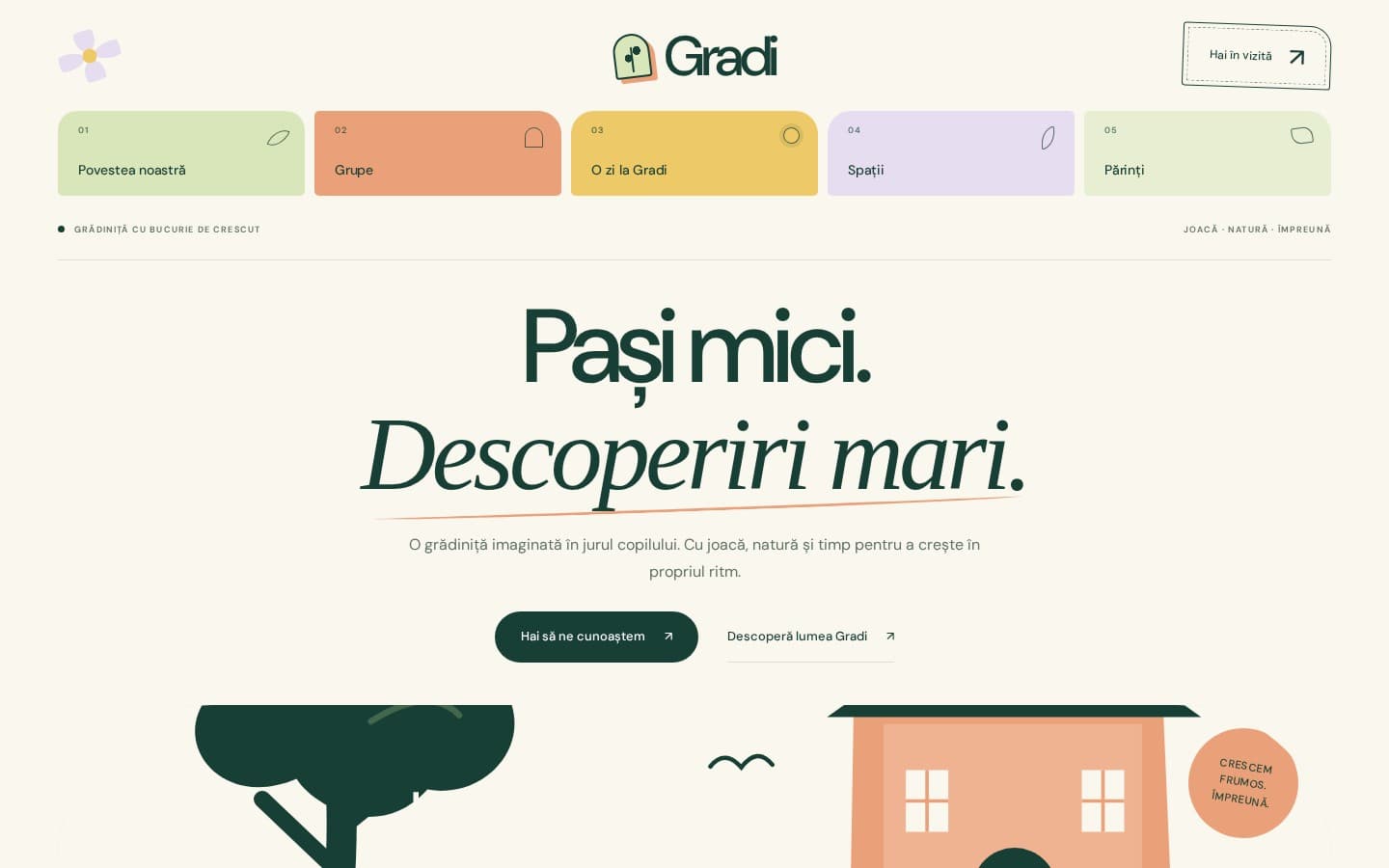
Premium kindergarten theme with cream, forest green and original illustrations. Age groups, daily rhythm, spaces, team, parent guides and visit requests. RO / EN.
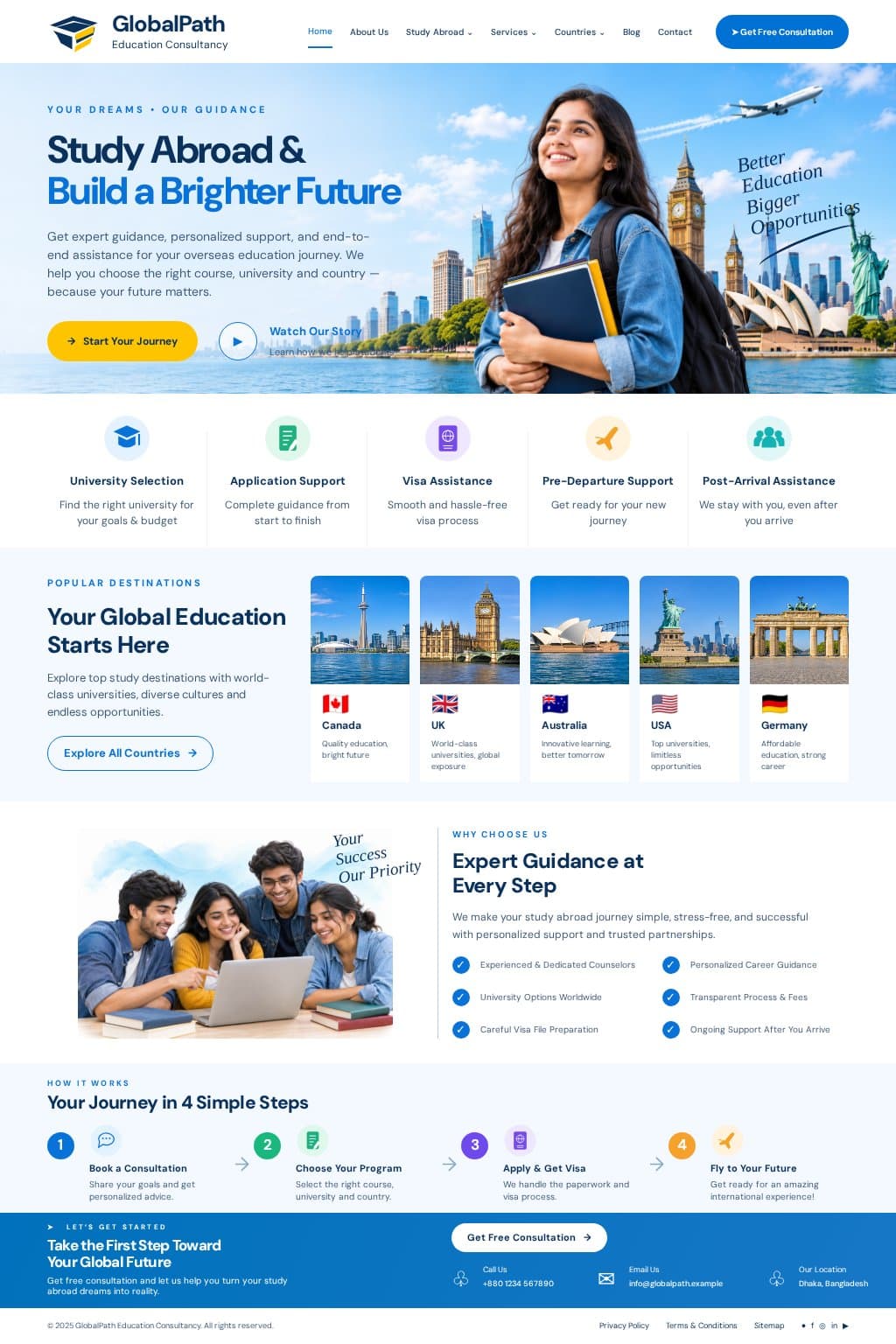
A presentation site for a private tutor: testimonial hero, lesson types, student reviews, key stats, blog and contact. Online booking for lessons, no store.
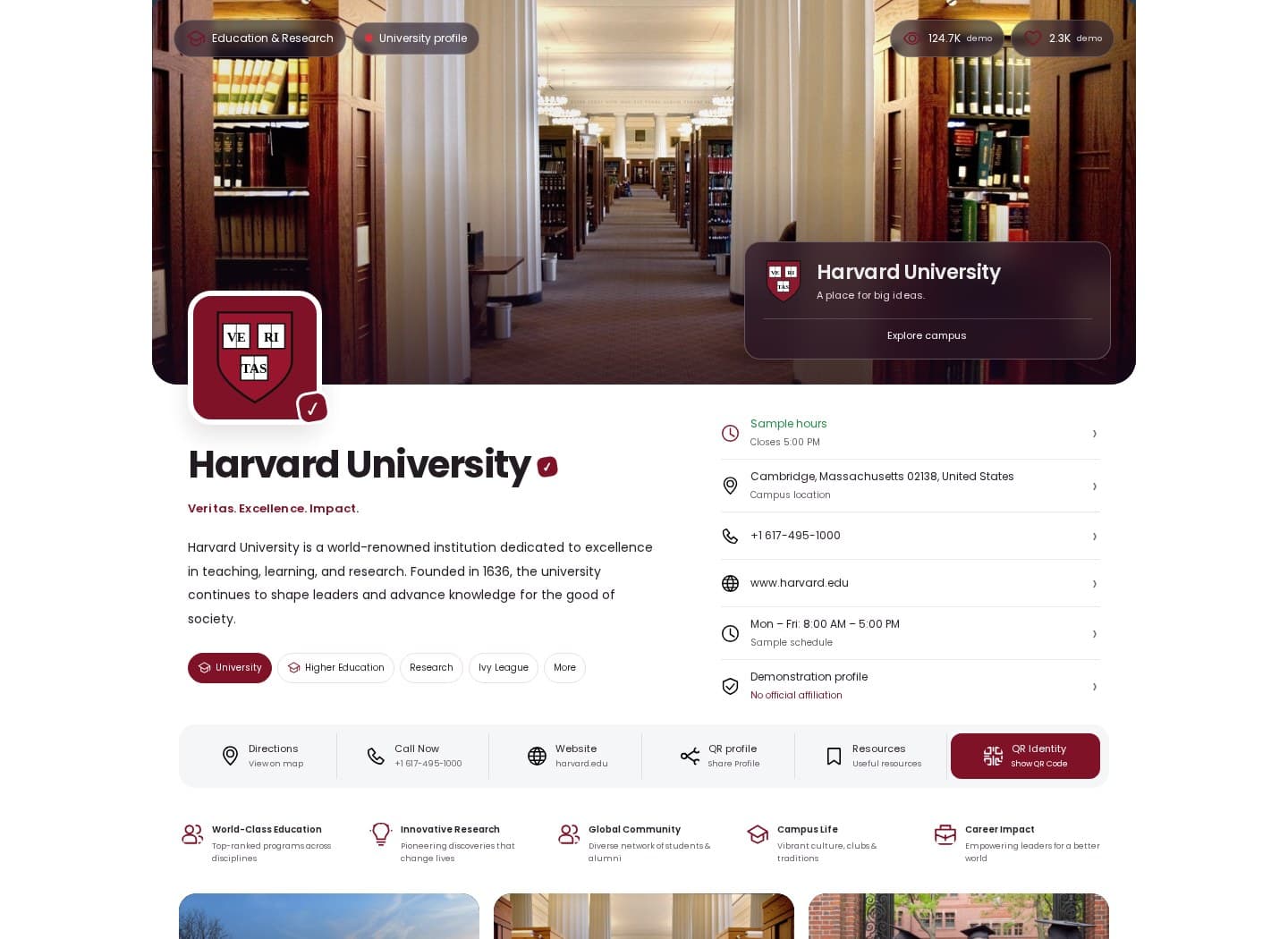
A presentation site for private schools and kindergartens: hero with your institution, welcome section, benefits, teaching staff, testimonials and partners. Online booking for visits/enrolment, no store.
Building an Education Website in Malaysia: The Complete Guide
Parents in Malaysia usually meet a school, tadika or tuition centre online before they ever walk through the gate. This guide set explains what a good education website contains and how 4SoftEdu helps you publish it.
Why education businesses in Malaysia need a website
Families in Kuala Lumpur, Penang, Johor Bahru, Kuching and Kota Kinabalu search on their phones. They type the name of a neighbourhood next to words such as tadika, international school, tuition centre or terjemahan, and they open the first few results. If your site is missing or hard to read on a small screen, the family simply moves on to the next name in the list.
A social media page is useful for daily news, but it rarely answers the practical questions parents ask: which levels do you teach, which syllabus do you follow, where exactly are you, how do I register and who do I talk to. A website gives these answers a permanent address that you control and that search engines can read.
One address you can print on brochures, banners and WhatsApp messages.
Pages that answer fee, syllabus and location questions in your own words.
A visible, professional first impression for parents who have never met you.
What 4SoftEdu is and what it is not
4SoftEdu is a website builder for education businesses. You choose a theme from a gallery, change the text, photos and colours in an editor, and publish a public website. It is built for private schools, private kindergartens, private tutors and translation bureaus.
Treat the website editor as the place for public information about your institution. School administration has a separate EDU module, whose availability and authorised functions you should check against the chosen plan and panel permissions. The website trial lasts 14 days and starts with a card; use it to evaluate the presentation you intend to publish.
How the guides in this set are organised
There is one guide for each type of business: private schools, tadikas and other early-years centres, tutors and tuition centres, and translation bureaus. Each one looks at what Malaysian parents and clients expect to find and which local terms to use, from sekolah swasta and pusat tuisyen to penterjemah.
The remaining guides are shared tools. A content checklist tells you what to publish, an enrolment page guide shows how to present registration steps, a privacy guide explains the points to review under Malaysian data protection rules, and further pages cover themes and the editor, booking links and domain connection.
Business-type guides for schools, tadikas, tutors and translators.
Checklists for content, enrolment information and privacy.
Practical guides for the editor, booking links and your domain.
A sensible order of work
Begin with the checklist so you know what material to gather: photos you have the right to use, a short description of your programmes, your address and opening hours, and the registration details your own authority expects you to show. Then pick a theme that suits the tone of your institution, since a calm, traditional look works differently from a bright early-years look.
Fill the pages with text written for parents, not for inspectors. Publish, connect your own domain, and test the site on a phone with a friend who has never seen it. You can keep improving afterwards, because editing is part of the product and not a one-off project.