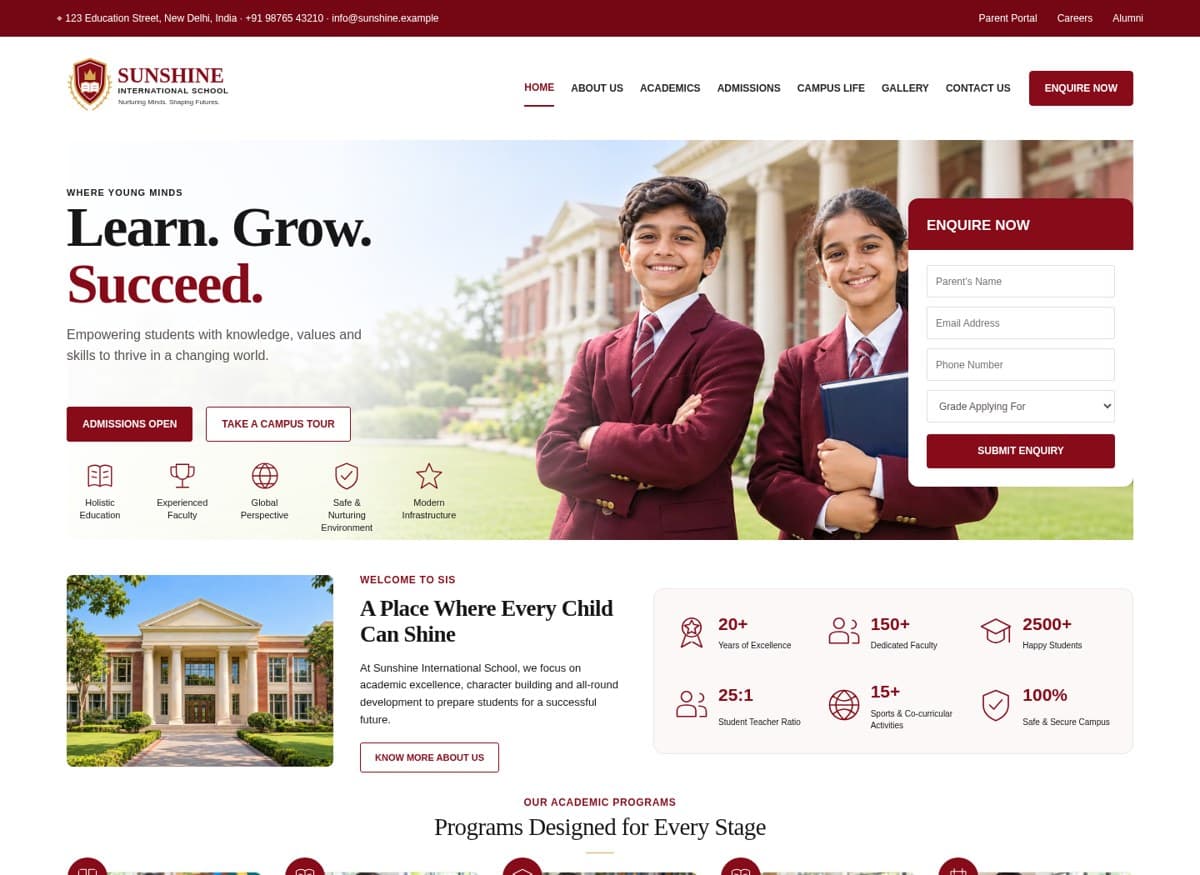
Parents in Harare, Bulawayo and Mutare search online before they visit. Choose a theme, add your term dates, fees information and contact details, then publish your own website. 14-day free trial, started with a card.
Website themes for schools, kindergartens, tutors and translators
Pick a theme built for your school or kindergarten, your private tutoring practice or your translation office — presentation, online bookings and contact. Customize it visually and publish the same day, with hosting and SSL included.
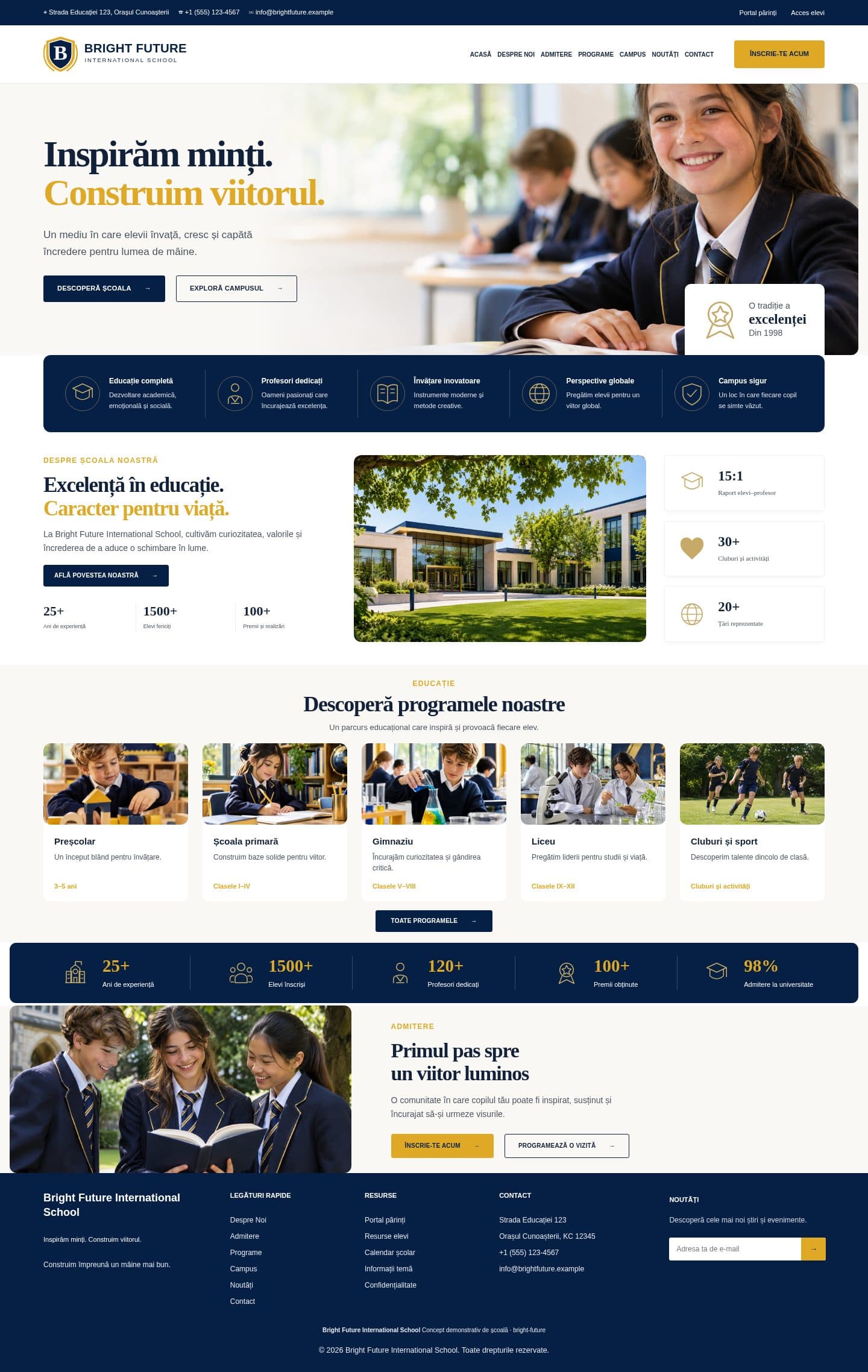
Bright Future
Navy and gold school theme with campus, five programs, admissions, family resources and visit requests. Romanian and English.
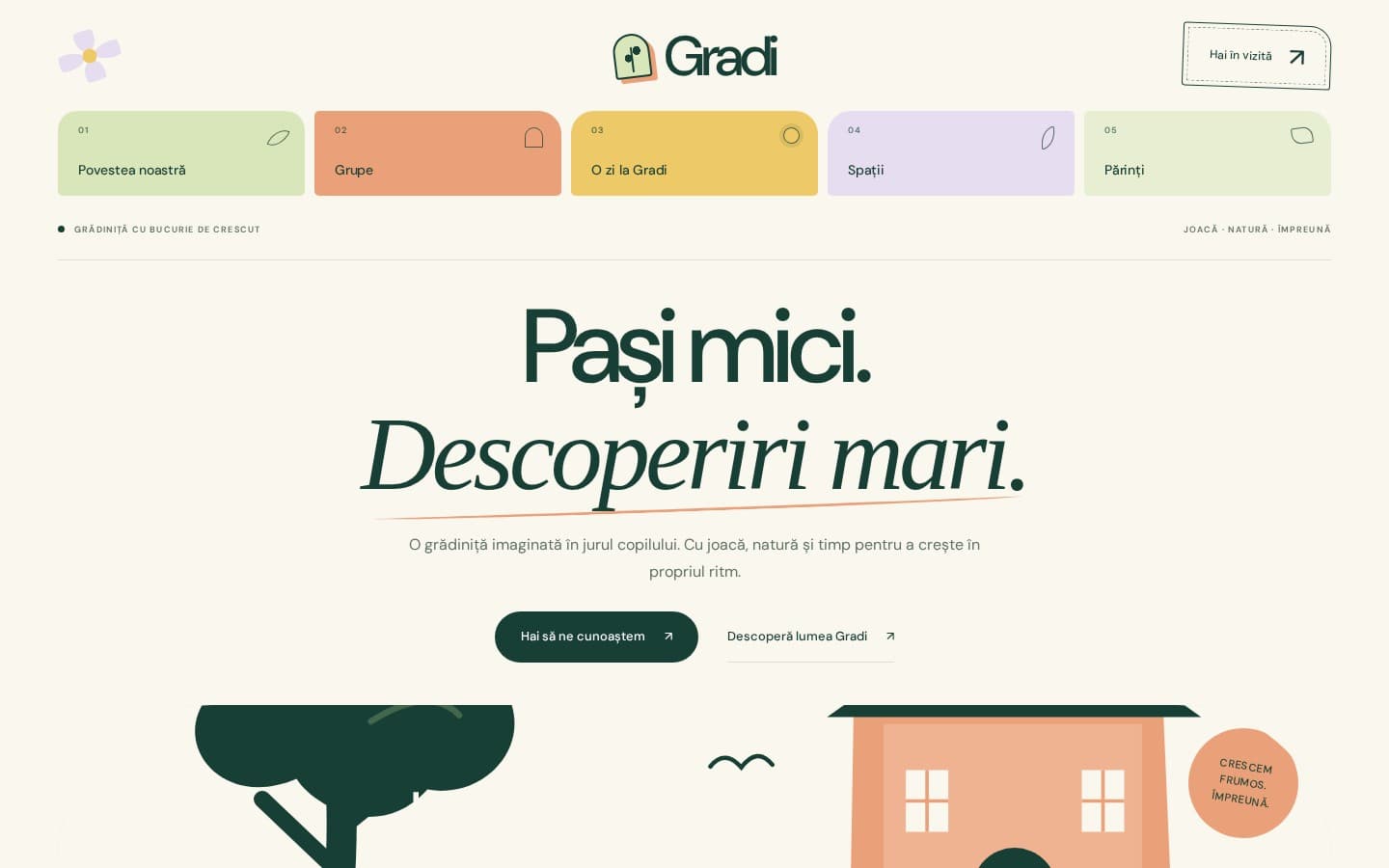
Premium kindergarten theme with cream, forest green and original illustrations. Age groups, daily rhythm, spaces, team, parent guides and visit requests. RO / EN.
A presentation site for a private tutor: testimonial hero, lesson types, student reviews, key stats, blog and contact. Online booking for lessons, no store.
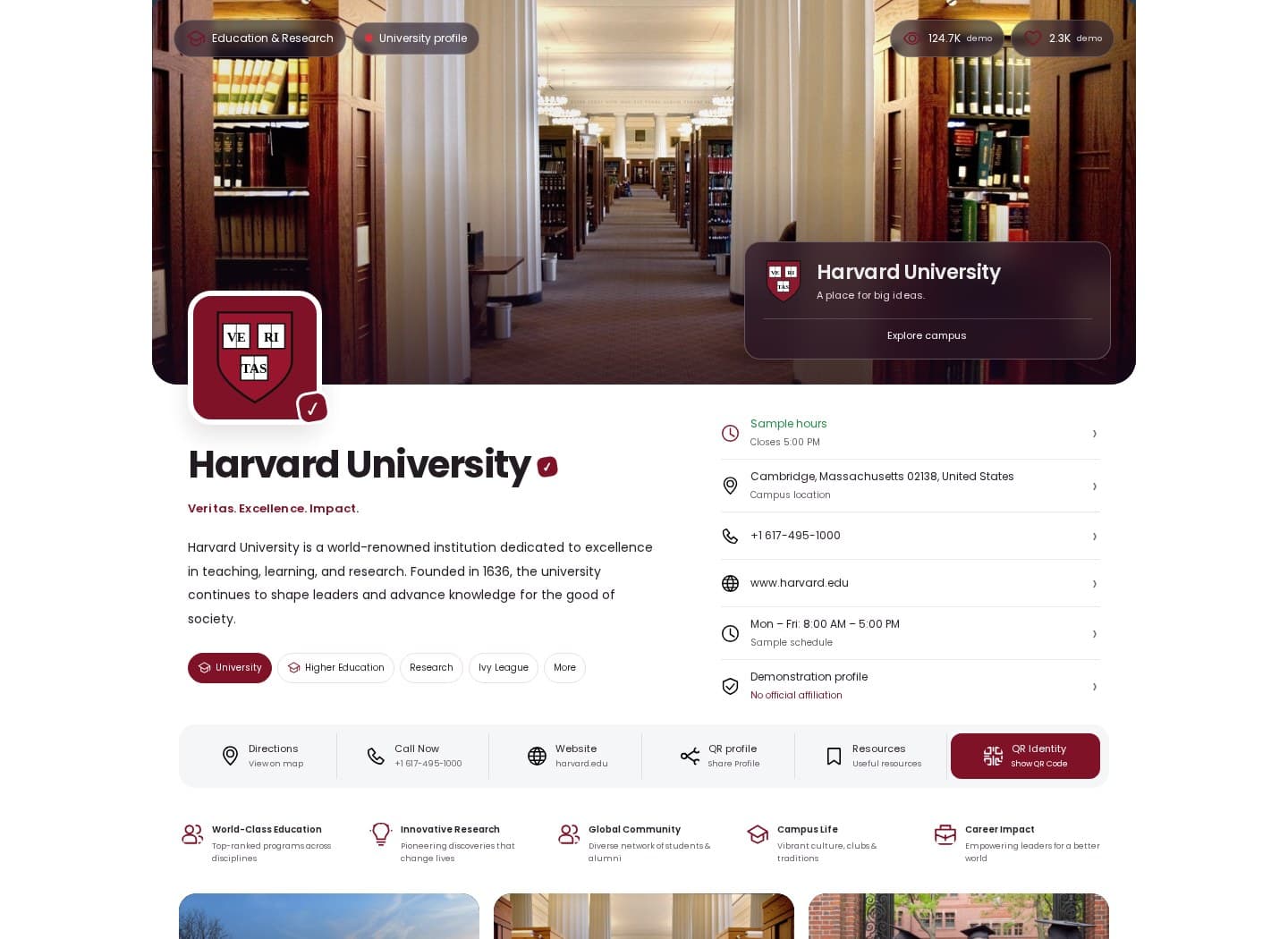
A presentation site for private schools and kindergartens: hero with your institution, welcome section, benefits, teaching staff, testimonials and partners. Online booking for visits/enrolment, no store.
Parents in Harare, Bulawayo, Mutare, Gweru and Masvingo now look for a school or a tutor on a phone before they ever phone the office. This guide set explains what a Zimbabwean education website should say and how to publish it with 4SoftEdu.
Who these guides are written for
The guides cover four kinds of education business that operate in Zimbabwe: private schools, private early childhood development centres, independent tutors and translation bureaus. Each has a different audience, a different regulator and a different way of earning trust. A school speaks to parents who are comparing several options for the next term, while a translator speaks to a client who needs a document handled before a deadline.
4SoftEdu offers a theme-based editor for your public website, with a 14-day trial that begins with a card and a domain you connect separately. The EDU module handles a different area of internal education work, subject to the plan and authorised panel access. This guide set stays with the public presentation of your organisation.
What a local website has to get right
Zimbabwean families usually want to know a few things quickly: which grades or classes you offer, where you are, how the three-term year runs, which examination route pupils follow and how to ask about a place. Many private schools prepare pupils for ZIMSEC examinations at Grade 7, O Level and A Level, and some also follow the Cambridge route. Say which one applies, in plain words, near the top of the page.
Phone-first browsing matters. Many visitors use mobile data, so pages should be light, the text readable on a small screen and the contact details visible without scrolling through a long page. A WhatsApp-friendly habit is common in the country, so publish a clear phone number and a short address that a parent can copy into a message.
State the registration of the school or centre with the responsible ministry
Show the term dates in general terms and point to the official calendar for exact dates
Name the examination route pupils follow
Give a clear way to ask about places or book a visit
How the guide set is organised
Start with the page that matches your business: private schools, ECD centres, tutors or translation bureaus. Then read the website checklist, which lists the content and trust signals every education site should carry, and the enrolment page guide, which explains how to present registration information without building an online system.
The remaining guides deal with the practical side. One covers children's data and cookies under Zimbabwe's data protection law, another walks through choosing a theme and publishing, another explains how to offer visit bookings through a link to a public 4appointments page, and the last covers connecting your own domain, European hosting and basic search visibility for local queries.
Where to begin if you are short of time
Owners in Zimbabwe are often busy running a school, a centre or a practice, so the quickest route is to publish a small, accurate site first and grow it later. Start with a home page, a page about your programme, a contact page and a short privacy statement. Those four pages already answer most of what a parent or client asks before making contact.
Once the basics are live, add one guide at a time from this set. Each additional page should answer a real question that families have asked you in person or on the phone. Writing from experience produces text that is specific to your community, and specific text is the kind that visitors trust and search engines can match to a local query.